

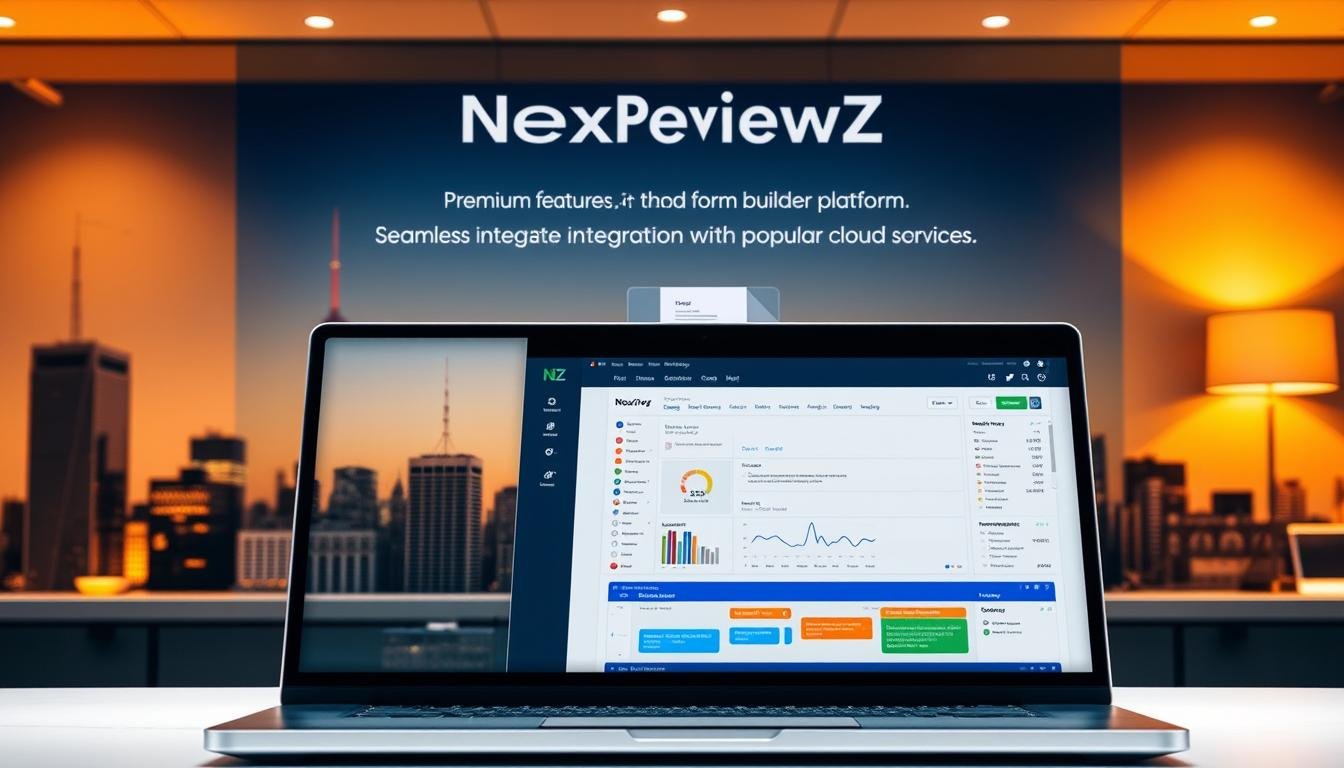

Ready to launch professional forms faster and keep more revenue?
Discover a premium plan built for small teams that need speed and control. This offer shows Starter and Pro tiers with annual billing to lower costs and scale as your users and forms grow.
You’ll get a drag-and-drop form builder and 10,000+ free form templates so you can publish an online form in minutes without coding. The platform is trusted by 30+ million users, offers 150–240+ integrations and 35–40+ payment gateways, and includes automation like conditional logic and autoresponders.
Who it’s for: small businesses that want professional forms, faster workflows, and clear visibility into submissions—without hiring developers.
We’ll show a short comparison with Typeform and Formstack later, note known limits, and explain a recommended use case for small retailers collecting payments and customer data.
Act now: Start free trial or get discount to publish your first form today. A 30-day money-back policy gives you risk-free testing.
Key Takeaways
- Starter and Pro plans available with annual billing to save on costs.
- Launch fast using a no-coding form builder and 10,000+ free form templates.
- Collect payments via many gateways with no extra transaction fees.
- Automate data capture and sync with popular integrations where your team works.
- Ideal for small businesses needing quick setup, payment capture, and secure data.
- 30-day money-back guarantee; limits and comparisons to Typeform and Formstack follow later.
Jotform pricing at a glance and who this premium offer is for
Find the right plan fast—free Starter access, a growth-focused Pro tier, and annual discounts.
The Starter plan is a free entry point that lets you create forms, publish an online form, and collect data without upfront cost.
Plans available: Starter, Pro, and Annual billing options
- Starter: Ideal if you’re beginning to create forms. Use the drag-and-drop form builder and publish a free form today.
- Pro: Built for growing teams. Get more forms, higher monthly submissions, and removal of branding for a professional look.
- Annual billing: Switch to yearly payments to save on subscription costs as your users and form volume increase.
Trial and 30-day money-back confidence
You can open a jotform account and start with a free trial. Payments go through 40+ gateways and the platform charges no additional transaction fees.
Who it’s for: small businesses, agencies, and nonprofits that need reliable forms, integrations, and higher submission headroom without hiring developers.
Start your free trial or get a discount on annual Pro today to unlock more capacity, HIPAA upgrades, and seamless email and push alerts as your submissions grow.
Why small businesses choose Jotform
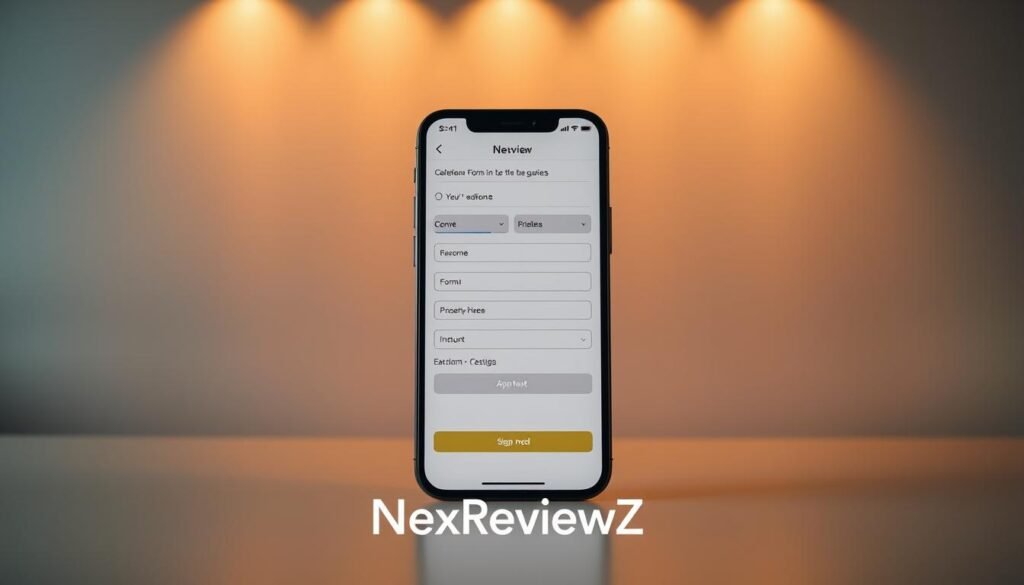
Teams value a fast visual builder, ready templates, and built-in payments so you can start collecting data immediately.
Launch in minutes: Use 10,000+ free form templates with a drag-and-drop online form builder to avoid coding and speed deployment.
Payments and fees
Accept payments, donations, and subscriptions via 35–40+ gateways. You keep payment revenue without extra transaction fees, which lowers overhead for small sellers.
Automate and connect
Automate workflow steps with conditional logic, autoresponder email confirmations, and instant reports from Report Builder.
Sync submissions to Google Sheets and Google Calendar, send leads to Salesforce or Mailchimp, and route alerts to Slack to cut manual data entry.
Work anywhere & secure data
The mobile forms app works offline, supports kiosk mode, e-sign, and lets you take photo, scan barcodes, and record voice in the field.
Enterprise-grade security: 256-bit SSL, PCI DSS Level 1, GDPR, and optional HIPAA protect customer data as you scale.
| Core feature | Benefit | Small team impact |
|---|---|---|
| 10,000 free form templates | Fast setup with a visual builder | Publish forms in minutes |
| 35–40+ payment gateways | No extra transaction fees | Lower payment overhead |
| Integrations & reports | Auto-sync to apps like Google Sheets | Less manual entry, better data flow |
| Mobile forms & offline | Field capture and e-sign | Work anywhere, even without signal |
Jotform vs Typeform vs Formstack: how you win

A quick side-by-side look at product strengths shows which builder gives you faster launches, broader integrations, and lower fees.
Typeform comparison
Typeform shines with conversational, one-question-per-card experiences that boost engagement.
But you get deeper drag-and-drop control, a far larger template library, and stronger payment options in this product. That helps you build complex forms faster and accept payments with predictable costs.
Formstack comparison
Formstack is known for workflow and document automation.
Still, you gain robust automations plus mobile-first features like offline and kiosk modes here, along with signature capture and built-in reports for easier data review.
What this means for you
- Faster launch: 10,000+ templates let you publish an online form and collect data quickly.
- Broader integrations: 240+ native integrations and Zapier support link to apps like Google Sheets and Google Calendar.
- Lower payment overhead: 35–40+ gateways with no extra transaction fees keep costs predictable as your users and volume grow.
| Area | Typeform | Formstack | This product |
|---|---|---|---|
| UX style | Conversational cards | Form-focused, process-driven | Drag-and-drop templates |
| Automations | Basic workflows | Advanced document workflows | Strong automations + Report Builder |
| Payments | Limited gateways | Paid plans with fees | 35–40+ gateways, no extra fees |
| Mobile & field | Mobile-friendly | Some mobile tools | Offline, kiosk, e-sign |
Limits, policies, and how to claim your discount
Review core limits and refund terms so you can upgrade with confidence.
Known limits to note before you upgrade
Starter is useful to create forms and test features, but it caps the number of forms and monthly submissions and includes platform branding.
Higher tiers raise allowances and remove branding. HIPAA compliance is offered only on advanced plans, so confirm your compliance needs before collecting sensitive data.
Security covers 256-bit SSL, PCI DSS Level 1, GDPR and CCPA, encryption, spam protection, and CAPTCHA to protect form data.
Refunds and guarantees: 30-day money-back policy
You can upgrade and test risk-free. If the plan doesn’t match your needs, a 30-day money-back guarantee applies after purchase.
Keep records of transactions and email confirmations to speed any refund request.
Step-by-step: claim coupons or discounts
- Sign in to your jotform account.
- Open Billing or Upgrade and choose annual billing for built-in savings.
- Enter your coupon code at checkout, confirm the discounted total, and complete payment.
- Save the confirmation email and test submissions to validate limits and notifications.
WordPress embedding options if the plugin isn’t ideal
Option A — plugin: Install the official builder plugin, pick a form, set email notifications, and test submissions on a staging page.
Option B — embed code: In Publish → Platforms → WordPress.org, copy the provided HTML embed code and copy paste it into a WordPress Custom HTML block. If a page stalls, switch to iframe code, clear caches, and retest.
| Area | Quick action | Why it matters |
|---|---|---|
| Form limits | Check plan quotas before upgrade | Avoid lost submissions during peaks |
| Compliance | Confirm HIPAA on higher tiers | Protect sensitive customer data |
| Payments | Choose gateway; no additional transaction fees | Keep payment costs predictable |
| Embed | Use plugin or copy paste embed code | Reliable site integration without coding |
Ready to save? Apply your coupon at checkout and switch to annual billing to lock in the best price today.
Conclusion
Conclusion
Get live fast: pick a free form template, customize fields with the drag-and-drop form builder, and publish an online form that matches your workflows.
For small businesses, this product helps you sell a product, accept a donation, or collect leads in minutes. Route form submissions to your apps via integrations and turn responses into reports that prove ROI.
Use the mobile forms app to take photo evidence, collect e-signatures, and assign forms to teammates in the field. Your data stays protected with 256-bit SSL and enterprise controls.
Start risk-free: try the free trial or get a discount on annual plans today and publish your first form with 10,000 free form templates in minutes.


