



Curious which plan gives you the best ROI for landing pages in 2025? You can pick Starter at $69/month or Pro at $129/month, with annual billing lowering the effective monthly cost and boosting campaign ROI.
Use the platform to launch a dedicated landing page for each offer and match your ad message to drive higher conversions. The drag-and-drop editor, AI content tools, A/B tests, heatmaps, and analytics help you build and improve fast without developers.
Small businesses gain three clear benefits: faster page design, scalable updates via Instablocks and Global Blocks, and seamless integrations to capture customer data. The WordPress plugin supports “Push to WordPress” but your host must support PHP cURL; plugin testing is current to WordPress 6.8.
You get a 14-day free trial with no obligations and a clear refund path at checkout. Later in this guide, you’ll see a short comparison with Unbounce and ClickFunnels, plus tips to claim discounts or coupons.
Ready to test it? Start free trial or Get discount and launch your next campaign page today.
Key Takeaways
- Transparent 2025 pricing: Starter $69/month, Pro $129/month; annual billing reduces cost.
- 14-day free trial with cancel-anytime and refund considerations at checkout.
- Build and optimize landing pages quickly with AI, A/B tests, heatmaps, and analytics.
- Scale updates with Instablocks/Global Blocks and connect funnels via 120+ integrations.
- WordPress support requires PHP cURL; plugin tested up to WP 6.8 (as of 2025-04-29).
- Short comparison ahead: see how this platform stacks against Unbounce and ClickFunnels.
- Act now: Start free trial or Get discount to begin your campaign.
Instapage pricing at a glance in 2025
Here’s a concise breakdown of the 2025 plans so you can choose the best fit fast.
Starter plan — $69/month: who it’s for and what you get
Starter at $69/month is ideal if you’re launching your first landing program.
You get the drag-and-drop builder, AI content tools, and fast mobile performance via the Thor Render Engine.
Use the 500+ templates to spin up pages quickly and publish to WordPress without heavy collaboration.
Pro plan — $129/month: advanced tools for scaling landing pages
Pro at $129/month fits teams and agencies managing multiple campaigns and pages.
It adds advanced A/B tests, AI experiments, heatmaps, and visual collaboration for your team.
Choose Pro when you need frequent tests, richer analytics, and approval workflows to boost performance.
Annual billing options and how to choose the best value
Annual billing typically lowers the effective monthly rate and gives predictable costs for steady marketing.
If you expect higher traffic, many pages, or a fast testing cadence, annual Pro is often the best value.
If you want to validate features first, use the 14-day free trial to Start free trial and confirm the plan before committing.
- Starter — Best for single campaigns, quick launches, and simple WordPress publishes.
- Pro — Best for teams, heavy testing, and scaling multiple landing pages.
Instapage plan details and what’s included

This section breaks down the core tools you’ll use to build, test, and scale high-converting landing experiences.
Drag-and-drop landing page builder with AI content generation
Build fast. The intuitive page builder lets you drag, drop, and fine-tune layout elements while AI drafts headlines, body text, and CTAs for on-brand copy.
A/B tests, AI experiments, heatmaps, and analytics for performance
Optimize continuously. Run A/B tests and AI experiments that route traffic to winners automatically. Use heatmaps and analytics to track conversion rate, cost-per-visitor, and cost-per-lead so you prioritize high-impact changes.
Instablocks and Global Blocks to build and update at scale
Standardize layout with reusable blocks. Push updates across hundreds of pages with a single action to keep brand and messaging consistent while reducing manual updates.
AdMap, templates, and visual collaboration for teams and agencies
Map ads to the most relevant landing experience with AdMap. Start from conversion-tested templates and collaborate visually for faster approvals. You can also add custom scripts, HTML, and CSS to extend functionality without losing design control.
| Feature | Benefit | Small Business Use |
|---|---|---|
| Landing page builder | Fast design + AI copy | Launch campaigns in hours |
| A/B & AI tests | Auto-route traffic to winners | Lower CPA, faster wins |
| Instablocks / Global Blocks | One-click updates | Consistent brand at scale |
| Heatmaps & Analytics | Visitor behavior insights | Prioritize high-impact tests |
Instapage
If you want precise landing experiences that scale across clients and campaigns, this is built for you.
Join 250,000+ businesses that use the platform to turn ad clicks into customers. The software focuses on one core job: build and optimize high-converting pages without extra bloat.
Who benefits most? Small businesses, SaaS teams, and agencies find rapid value. Marketing teams move fast without developers. Agencies deploy and test for multiple clients at once using visual collaboration tools and scale features.
- Results-driven: Designed to improve conversion and lower cost-per-lead.
- Team-friendly: Review flows and shared workspaces speed approvals.
- Trusted: Loved by thousands of customers and praised in user reviews for speed and design precision.
See pricing to compare plans or Start free trial to test the workflow and measure gains on your first campaign.
Instapage vs Unbounce vs ClickFunnels: quick comparison for small businesses
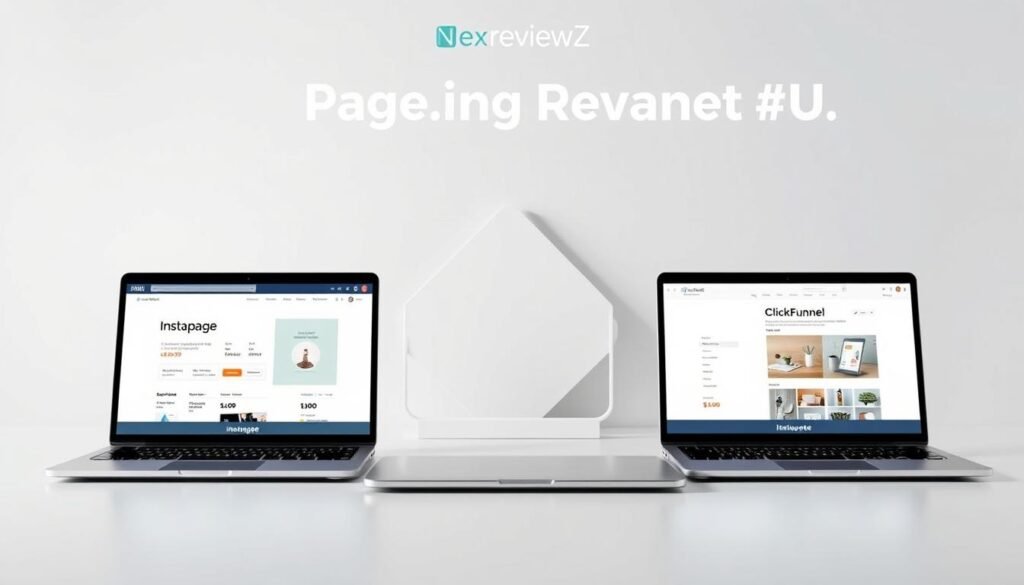
See which platform gives you the clearest path to faster launches and better campaign ROI.
Quick view: each tool serves a purpose. Below is a compact breakdown so you can decide which suits your marketing workflow and small-team needs.
Where Instapage wins: speed, precision design, and ad-to-page relevance
Instapage excels at rapid page builds with pixel-perfect design control. AdMap links your ads to tailored landing experiences, which helps boost conversions on paid traffic.
The Thor Render Engine improves mobile load and overall page performance. Collaboration blocks let small teams launch more pages per campaign cycle without extra work.
Unbounce highlights and when it may fit your workflow
Unbounce is a solid alternative for landing-focused testing and a wide template library.
Choose it if you prefer its template ecosystem or specific integrations, but check whether its design precision and ad-to-page mapping meet your needs.
ClickFunnels focus on funnels vs landing pages
ClickFunnels is built around multi-step funnels, carts, and upsells. It’s the better pick when you need full checkout flows and funnel automation.
For single-page ad traffic where conversions and load speed matter most, a landing-first builder will usually outperform a funnel-first tool.
“Test each tool with a live campaign—real build time and performance tell the full story.”
| Criteria | Best for | Small business takeaway |
|---|---|---|
| Speed to publish | Instapage | Launch ad-driven pages fast |
| Design precision | Instapage | Pixel control for higher conversions |
| Template ecosystem | Unbounce | Quick starts with varied layouts |
| Funnel & checkout | ClickFunnels | Built-in cart and upsells |
| Mobile performance | Instapage | Faster loads, better CPA |
Recommendation: Use the free trial to compare real build times, page performance, and workflow fit before you commit to a plan.
Key features small businesses love for higher conversions
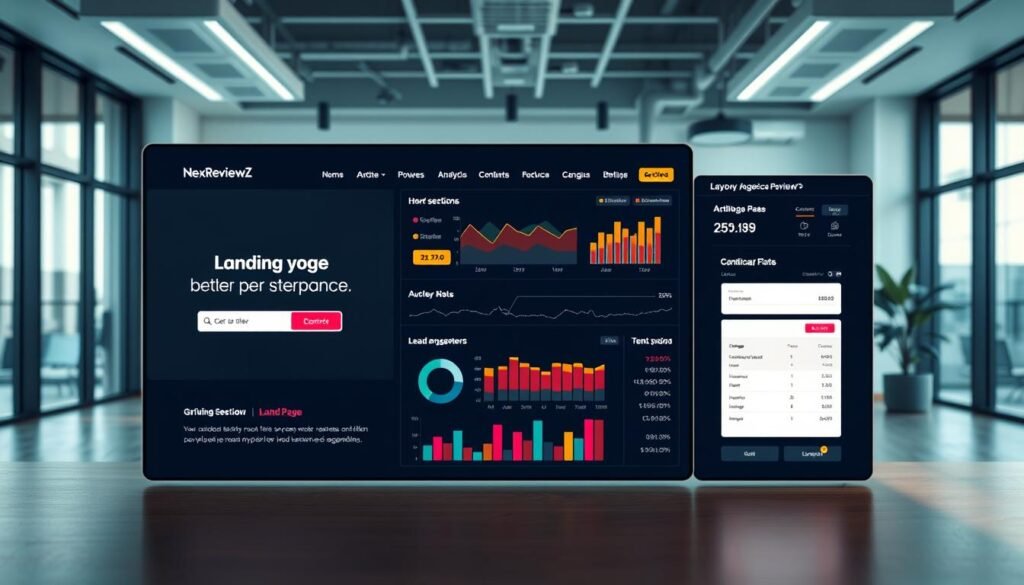
Three core features give your campaigns the best shot at converting clicks into customers: ad‑matched personalization, fast page performance, and reliable integrations that move each lead into your tools.
Personalized experiences tied to your ads
Deliver relevant experiences by mirroring ad creative and messaging on the landing page. Personalization increases relevance and can lift conversions by about 34%.
Fast page load with the Thor Render Engine
Speed matters. Faster page performance reduces dropoff for mobile visitors and improves ad ROI. Quick loads mean more visitors see your offer and complete the form.
120+ integrations to capture every lead
Connect to email, CRM, analytics, and automation tools so each lead moves straight into follow-up sequences. That workflow helps you scale pages and test offers without manual exports.
- Start from conversion-tested templates and customize fast.
- Run an A/B test on a high-traffic page to validate headline or form changes.
- Use reusable blocks to replicate winning patterns across pages.
Start free trial to see how these features affect your next campaign’s conversion metrics.
Trials, refunds, and guarantees

Start with a 14-day free trial so you can publish a production-ready page and evaluate performance without upfront cost. The trial has no obligations — cancel anytime during the period if the version or workflow doesn’t fit your needs.
14-day free trial: no obligations, cancel anytime
Create your account, complete login, and follow the guided onboarding process to build and publish pages fast. The simple process helps you test a version of your funnel in real time and collect early reviews from teammates or stakeholders.
Money-back considerations and how to start risk-free
Check plan terms at checkout to confirm current refund or money-back policies. Billing rules and guarantees can vary by plan and time, so review those details before the trial ends.
- Try first: Build and publish a page within the 14-day window without financial risk.
- Cancel anytime: No obligation during the trial if timelines or pages aren’t right.
- Review terms: Confirm refunds and billing at checkout to avoid surprises after the trial time ends.
- Security: The platform follows enterprise-grade security practices while you evaluate.
- Pro tip: Set a reminder a few days before the trial ends to choose monthly vs annual billing.
Start free trial and validate fit before you pay — it’s the simplest path to confirm performance, process, and security for your pages.
Known limits and requirements before you buy
Before you subscribe, confirm a few technical and plan limits so your pages publish and run smoothly.
WordPress plugin requirements and hosting notes
PHP cURL is required. If your host does not enable the PHP cURL extension, the plugin cannot authenticate or fetch pages from the service.
If you see the error “Couldn’t connect to host”, ask your host to raise outgoing connection limits so the plugin can communicate reliably.
The plugin has been tested up to WordPress 6.8 (2025-04-29) and supports publishing and A/B testing directly from your blog. Always publish a staging page first to verify display, tracking, and form submissions work end to end.
Feature availability varies by plan; confirm inclusions at checkout
Not every feature is included on every plan. Confirm testing, collaboration, and analytics inclusions at checkout to avoid surprises.
You can extend a page with custom scripts and CSS, but follow security best practices to protect customer data and site stability.
“Verify your host supports outgoing connections and PHP cURL before publishing live pages.”
| Requirement | Why it matters | Action |
|---|---|---|
| PHP cURL | Enables plugin authentication and page fetch | Ask host to enable extension; test on staging |
| Outgoing connection limits | Needed for reliable plugin communication | Request higher limits if you see connection errors |
| Plan-dependent features | Some tests, analytics, or collaboration tools vary | Confirm exact inclusions at checkout |
| Custom scripts & CSS | Adds functionality and design control | Use secure code and test for conflicts |
Next step: Start free trial, verify your tech stack and host, then pick the plan that fits your pages and team needs.
How to claim Instapage discounts or coupons
Find verified ways to save on your subscription before you hit checkout. Use this short guide to apply promo codes, spot official partner links, and pick the best billing cadence for your pages.
Step-by-step to apply a promo during checkout
- Click the pricing page link and choose your plan to begin the checkout process.
- If you have a promo code, enter it in the designated field before payment to apply the discount to your page builder subscription.
- Test the code on the review screen; if it fails, open support chat or request an updated offer via the help center link.
Where to find official deals and partner offers
Look for verified links on the official pricing page, authorized partner pages, and marketing emails. Affiliate or partner offers are legitimate when they point to the official pricing or partner portal.
- Official pricing page or partner link
- Authorized affiliate pages and email promotions
- Support chat or help center for current codes
Pro tip: annual billing for the best effective monthly rate
Pick annual billing if you plan to run campaigns year-round. Annual plans typically offer the best effective monthly rate and lower your cost per page over time.
Ready to save? Get discount or Start free trial to secure offers and validate the deal during your 14-day trial.
Recommended use cases for small businesses
Focus your marketing on clarity: build ad-specific landing pages for Google, Meta, and LinkedIn so each click arrives at a message-matched experience that reduces friction and boosts conversions.
Ad-specific landing pages for Google, Meta, and LinkedIn campaigns
Use AdMap to tie campaigns, ad groups, and ads to the best page. This keeps message consistency and helps quality scores.
Rapid testing to improve CPA with AI experiments and A/B tests
Run fast A/B tests and AI experiments to iterate headlines, offers, and layouts. Let winners get more traffic to lower CPA while you scale.
- Replicate wins: use Instablocks and Global Blocks to push updates across many pages instantly.
- Capture leads: route every lead to your CRM or email tool for immediate follow-up.
- Seasonal promo: duplicate a proven page, refresh the message, and publish in minutes.
| Use case | Primary action | Benefit |
|---|---|---|
| Ad campaigns | Map ads to tailored pages | Higher relevance, better conversion |
| Testing | Run A/B & AI experiments | Lower CPA, faster insights |
| Scaling | Push Instablocks/Global Blocks | Consistent messaging, less work |
Ready to apply this? Start free trial and launch your next campaign page today.
Integrations, WordPress publishing, and security
Link your landing pages to WordPress and your marketing stack with a few quick steps. You can publish a live page from the page builder and capture leads without developer work.
Publish to WordPress in a few clicks
Install the plugin on your blog, activate it, and login to connect your account. Choose the page, create a URL, and hit publish.
Use the Push to WordPress flow to keep brand standards and push updates without downtime. Share a review link with your team for fast approval before publishing.
Connect your marketing stack
Link 120+ integrations like Salesforce, Zapier, Mailchimp, Google Analytics, AWeber, and GoToWebinar to centralize capture and attribution.
Route each lead to your CRM or email tool, track conversions end to end, and keep a clean version history for tests.
Enterprise-grade security and compliance
Security is built into hosting, data transport, and access controls. Use secure login, role-based access for teams, and encryption to protect customer data while you experiment.
| Action | Tool examples | Benefit |
|---|---|---|
| Publish to WordPress | Plugin, login flow | Live URL in minutes |
| Integrate | Salesforce, Mailchimp, Zapier | Centralized lead routing |
| Collaborate | Shared links, approvals | Faster team reviews |
| Secure & comply | Encryption, access controls | Protect customer data |
Start free trial and connect your stack today to publish pages, track conversions, and roll out updates with confidence.
Conclusion
Decide faster: compare price, core features, and team fit to pick the right landing page solution for your ads.
Instapage is the instapage perfect choice if you need a focused platform for landing pages that drive higher conversions. Starter runs $69/month and Pro is $129/month, with annual billing lowering your effective rate.
You get AI content, A/B testing, heatmaps, AdMap, Thor Render Engine speed, templates, Instablocks/Global Blocks, and 120+ integrations to move visitors into customers.
Choose Starter for single campaigns and fast launches. Pick Pro for teams or agencies that need collaboration, deeper testing, and scale to sustain conversions.
Start free trial or Get discount now to publish your first version, view real build speed, and confirm fit before you pay.


