

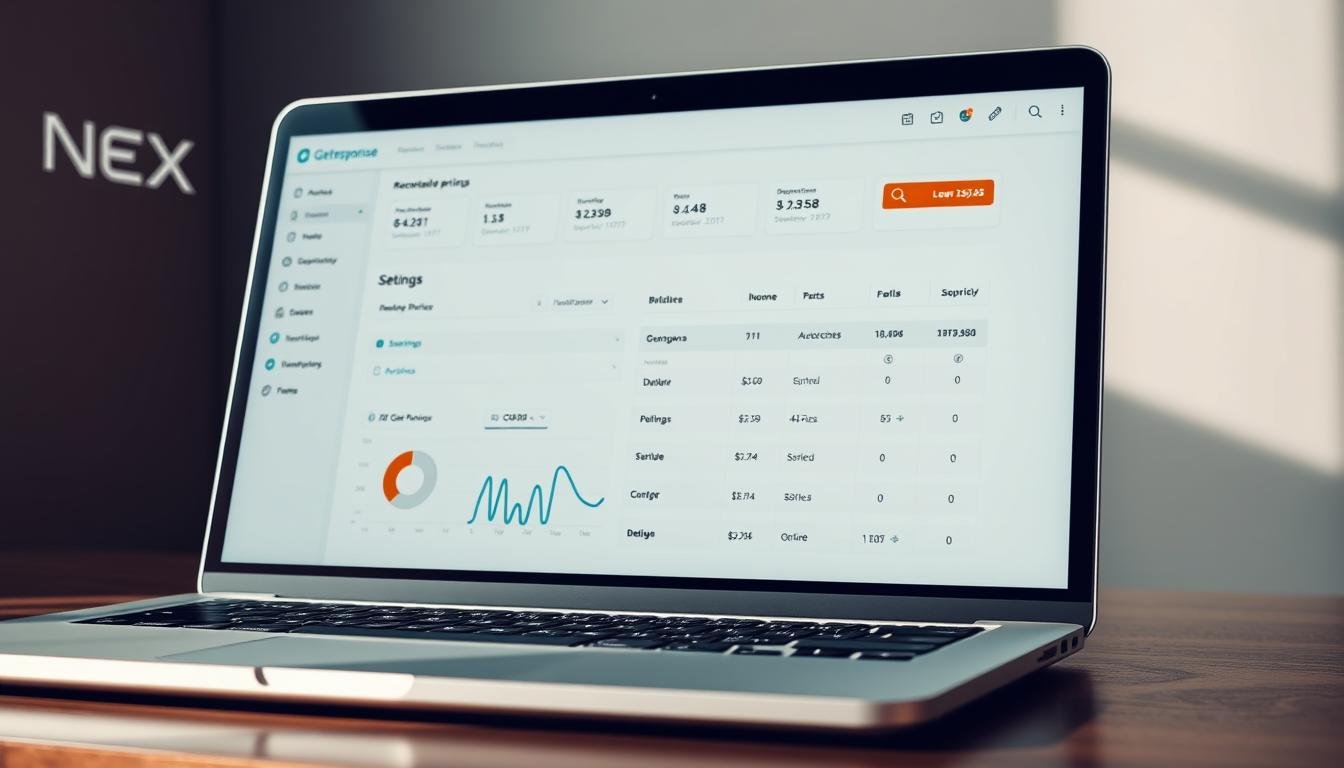

Curious which plan actually saves your small business time and money? You need clear prices, limits, and features so you can plan your email marketing budget without guesswork.
This intro gives you a quick, practical snapshot of what each tier includes, the free-forever option, and the trial that lets you test premium features risk-free.
You’ll see how Starter and Pro stack up for automation workflows, landing pages, and templates. We also flag costs that sneak up on you—like removed or bounced contacts still counting toward your list.
By the end of this section you’ll know which features drive sales for small business, how the platform compares to Mailchimp and Constant Contact, and the steps to claim annual savings or a promo at checkout.
Key Takeaways
- You can start free with up to 500 contacts and 2,500 newsletter sends monthly.
- Starter covers basic email campaigns and landing pages; Pro unlocks advanced automation and ecommerce tracking.
- Removed or bounced contacts still count toward your list and affect pricing.
- Use the 30-day trial to test templates, automation workflows, and the landing pages builder.
- Compare plans against Mailchimp and Constant Contact to pick the best fit for your marketing goals.
GetResponse automation pricing at a glance
This quick snapshot helps you choose between entry-level features and advanced automation without wading through long pricing pages.
Starter plan — from $15/month: essentials to send emails and grow your list
Starter begins at $15/month and gives you the core tools to send emails, build landing pages with the builder, and collect contacts without heavy upfront cost.
It scales with subscribers, so expect higher monthly rates as your list grows. Note that removed, bounced, or unsubscribed contacts still count toward limits.
Pro plan — from $49/month: advanced marketing automation and funnels
Pro starts at $49/month and unlocks multi-workflow marketing automation, funnels, ecommerce tracking, and webinar features to drive sales.
This tier is built for growing teams that need deeper automation and better analytics for campaigns.
Annual savings & free options
Choose annual billing to apply built-in discounts and lower your subscription over 12 months.
The free-forever plan supports up to 500 contacts and 2,500 newsletters/month. A 30-day free trial opens premium features so you can test templates, landing pages, and reporting end to end.
- Confirm your current list size to avoid overpaying as pricing scales by subscribers.
- Use the free trial or switch to annual billing now to lock in savings for your next campaigns.
GetResponse
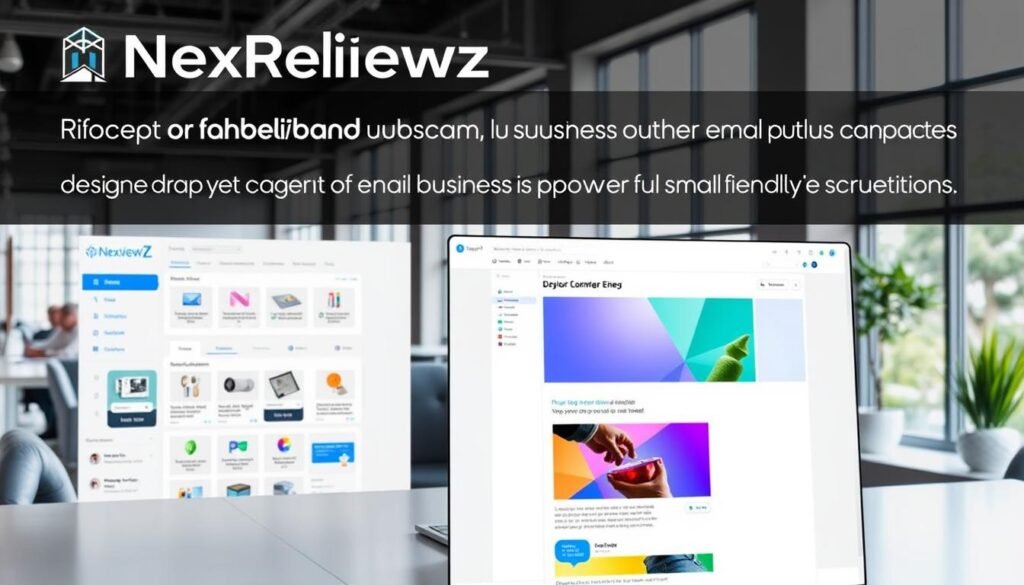
This marketing platform bundles email, landing pages, and automation into a single app so you can launch campaigns faster.
Who it’s for: Small businesses and solo marketers who want one tool to build a list, send email campaigns, and run conversion funnels without stitching multiple apps together.
The company serves 350,000+ customers and offers key features you’ll use every day.
- AI email generator and design helpers to speed content creation.
- Unlimited landing pages, website builder, forms, and templates to capture leads.
- Automation workflows, Conversion Funnels, and webinars on higher tiers to convert prospects.
- Real-time analytics in the mobile app plus live chat support and ad & chat integrations.
| Feature | Included | Notes |
|---|---|---|
| Email campaigns | Yes | Templates and drag-and-drop builder |
| Automation workflows | Yes (tiered) | Advanced flows on Pro and higher |
| Integrations | Yes | Not available on Free plan |
| Landing pages & website | Yes | Unlimited pages included |
Bottom line: Choose this platform if you need a single software package that centralizes email marketing, pages, analytics, and automation to meet your small business needs.
Key small-business features that justify the price
Pick platforms that cut manual work and move prospects through a funnel automatically. When your email, landing, and analytics tools work together, you speed up launches and boost conversion.
Marketing automation workflows to nurture leads and save time
Visual workflows let you trigger emails, tag contacts, and score leads so you nurture at scale. That saves time and keeps follow-up timely.
Landing pages and Conversion Funnels to capture subscribers and sales
Use the builder and templates to launch landing pages in minutes. A connected funnel ties forms, pages, and email sequences into one path that drives sales.
Analytics, lead scoring, and reporting to optimize campaigns
Built-in analytics and click maps give you real data to tweak campaigns. Lead scoring helps prioritize outreach and increase conversion rates.
Email templates and drag-and-drop builder to launch faster
Start with professional templates and a drag-and-drop editor to maintain brand design and cut production time. That means more campaigns, faster.
- Benefit: faster time to market with consolidated tools.
- Benefit: improved lead gen and higher revenue with funnels and automation.
- Benefit: better ROI from data-driven optimization and targeted email.
How GetResponse compares to Mailchimp and Constant Contact
To pick the right email tool, weigh automation depth, page limits, and webinar support against your goals.
GetResponse vs. Mailchimp: automation depth, landing pages, and cost
GetResponse gives deeper marketing automation and unlimited landing pages on many plans.
Mailchimp stays strong for ease of use and a broad ecosystem. But advanced automation or extra pages can raise your cost as you scale.
GetResponse vs. Constant Contact: funnels, webinars, and templates
GetResponse bundles conversion funnels and webinars on higher tiers, which helps education-led sales and course creators.
Constant Contact is simple for newsletters and events but lacks the funnel depth and automation breadth that drive higher conversion.
Quick takeaway: when you should switch or stay
Choose this platform if you need integrated funnels, robust automation, and built-in webinars to grow sales.
If you only send basic campaigns and want a familiar, low-friction solution, Mailchimp or Constant Contact may be enough.
- Pro tip: Compare total monthly cost, page limits, and webinar needs before you switch.
- For creators and SMBs moving beyond broadcasts, deeper automation and analytics can justify the change.
Known limits and considerations before you buy

Understand the practical limits that affect automation, list costs, and form use. These constraints can change how you plan campaigns and the monthly bill you pay.
Automation and ecommerce locked behind higher tiers
Advanced automation—multiple workflows, abandoned-cart recovery, synced promo codes, product recommender, and ecommerce tracking—are gated to higher plans.
If you need those tools to drive sales, expect to upgrade beyond Starter to get full automation and marketing data access.
Contacts, forms, and integration rules that affect costs
Removed, bounced, or unsubscribed contacts still count toward your subscriber total. Budget for list growth and use list hygiene to control charges.
The form editor has limited custom field and CSS access, with fewer embed options. Also, A/B testing for forms was withdrawn, so optimization options are reduced.
Integrations are not available on the Free plan, and transactional SMS, mobile push, plus a custom tracking domain live only on MAX. Confirm needed app access before committing.
- Watch duplicate contacts — the platform bills duplicates across lists.
- Decide if webinars and course tools on higher tiers are must-haves or extra cost.
- Balance email volume and automation complexity to avoid overbuying.
Quick action: Audit your list and map required integrations before you pick a plan so you avoid surprise upgrades and maintain deliverability.
Trials, refunds, and money-back details

Try the full feature set free for 30 days so you can test real campaigns without risking your budget.
The 30-day free trial gives you full access to premium features so you can run automation, landing pages, and analytics against live data. Use this time to send email sequences, verify deliverability, and preview reporting in the app.
Start a free trial to unlock premium features
During the trial you get access to workflows, funnel tools, and integration testing. Validate templates, forms, and embeds with a small campaign before you upgrade.
Tip: Monitor results in real time and clean your contact list while you have full access to avoid higher subscription costs later.
30-day refund policy and what it means for annual billing
Accounts revert to the free plan if you do not upgrade after 30 days, so you won’t incur unexpected charges. However, annual subscriptions generally do not qualify for refunds once the payment posts.
Always confirm refund terms at checkout — policies can change and promotions may alter eligibility. Save screenshots or PDFs of the terms for your records.
- Start the 30-day free trial to test automation, landing pages, and analytics.
- Validate deliverability, workflows, and reporting during the trial.
- Annual billing usually has no refunds once active—stay monthly until you’re sure.
| Topic | Trial behavior | What you should do |
|---|---|---|
| Feature access | Full premium access for 30 days | Test automation, pages, and integrations |
| Reversion | Account returns to free plan if you don’t upgrade | Confirm limits and save campaign data |
| Refunds | Annual payments typically not refundable | Review terms and keep records before buying |
| Risk-free check | Use app to monitor live performance | Run small real campaigns to validate needs |
Next step: Start your free trial now to evaluate features with zero upfront risk and decide whether monthly or annual billing fits your marketing plan.
How to claim a GetResponse discount or coupon
Follow a short checklist to lock in annual savings, apply promo codes, and verify trial access before you pay.
Step 1 — choose the right plan and subscriber tier
Pick Starter if you just need the basics to send email campaigns and grow your list. Choose Pro when you want visual automation, funnels, and conversion tracking.
Match your subscriber tier to current contacts and projected growth so pricing won’t jump unexpectedly.
Switch to annual billing at checkout to apply the built-in discount. This lowers your effective monthly rate and usually stacks with promo codes.
Step 3 — add a promo code at checkout
Enter any available coupon in the promo field to get extra off. Promo codes often apply only to new accounts or annual plans, so read the fine print.
Step 4 — confirm trial eligibility and finalize payment
Ensure your 30-day trial applies before billing starts so you can test the tool and builder, landing pages, and app features risk-free.
- Clean removed or bounced contacts—these still count toward your subscriber total.
- Document the final price, term, and renewal date to avoid surprises.
- If unsure, start monthly, validate features, then switch to annual and apply a coupon.
- Pick Starter or Pro based on needs.
- Choose subscriber tier that fits your list size.
- Switch to annual billing for savings.
- Apply promo code at checkout.
- Confirm trial access and complete payment.
CTA: Get discount now—select annual billing and apply your promo code at checkout to save time and money while you test the marketing and email features.
Recommended use cases for small businesses
Map specific funnels and pages to revenue goals so each marketing move links to measurable sales. Start small: a single funnel that collects contacts, sends a welcome series, and presents the first offer.
Lead generation and nurturing with funnels, forms, and newsletters
Use landing pages, forms, and templates to capture quality leads. Connect those forms to an automated funnel so new subscribers enter a nurture campaign immediately.
Send newsletters that educate subscribers and promote timely offers. Track opens and clicks to refine campaigns and content.
Ecommerce and webinars to convert subscribers into customers
For ecommerce, enable abandoned cart emails and product recommendations on higher tiers to recover lost sales.
Run webinars to convert higher-consideration customers in one session. Tie webinar signups to funnels and follow-up campaigns.
| Use case | Key tools | Expected outcome |
|---|---|---|
| Lead magnet funnel | Landing pages, forms, templates | More qualified leads and subscriber growth |
| Welcome-to-offer funnel | Automation, email campaigns, builder | Higher conversion to first sale |
| Ecommerce recovery | Abandoned cart, product recommendations, analytics | Recovered revenue and repeat customers |
| Webinar conversion | Events, registration forms, follow-up emails | Longer sales conversations and larger purchases |
- Start with one funnel: lead magnet → welcome series → first offer.
- Use ads to drive traffic to landing pages and track with GA.
- Segment contacts and apply lead scoring to focus on high-value customers.
Conclusion
Here’s a compact summary to help you pick the right plan based on features, limits, and cost.
Starter begins around $15/month and Pro from $49/month, with annual billing lowering your effective price. The free-forever tier covers up to 500 contacts and 2,500 sends, and a 30-day trial lets you test automation, the landing page builder, templates, and analytics risk-free.
Higher-tier gating for ecommerce, webinars, and advanced automation is the main limit—keep your list hygiene tight since removed or unsubscribed contacts still count toward billing. If you need an all-in-one email marketing tool that speeds launches and boosts sales, this platform is a strong fit.
Next steps: Start the free trial now to validate fit, or switch to annual at checkout and apply your promo code to save.


