

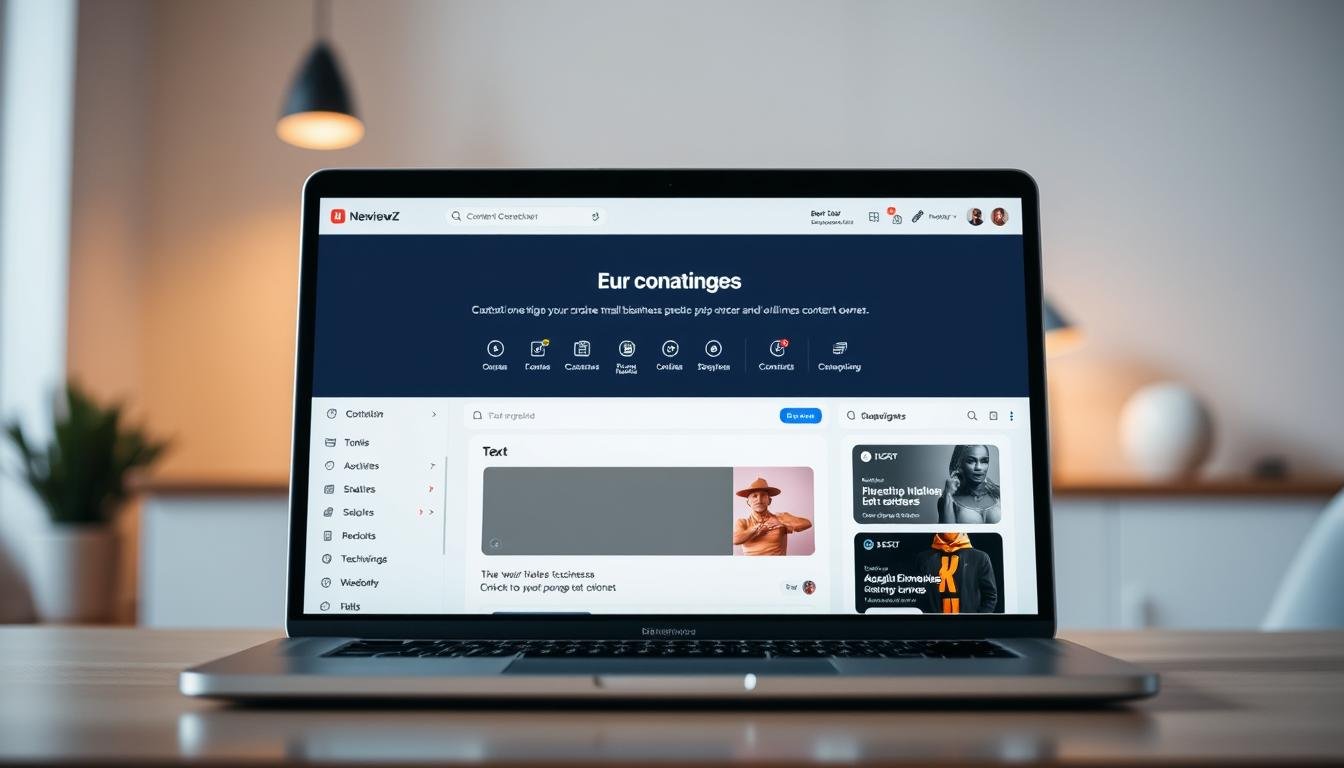

What if you could cut content creation time in half and still keep full control of your brand? This plan overview shows how Bertha.ai speeds up writing and image creation across your website and the wider web.
Get started with a free trial that gives you 500 words to evaluate core features and a 7-day money-back guarantee. Choose a tier that fits your volume: free starter, plus paid plans for higher word quotas and extra feature access.
You’ll plug this tool into WordPress or use the Chrome extension to generate titles, alt text, and social post images quickly. It saves you time and keeps on-brand writing consistent across pages and product descriptions.
Compare options like Content Blossom and AI Writer, then pick what matches your workflow. Try the free start, test limits, and scale up if you need more capacity or team access.
Key Takeaways
- Start free with 500 words and a 7-day money-back guarantee.
- Speed content and image creation with a Chrome extension and WordPress integration.
- Pick tiers by word quotas and feature access to match team needs.
- Ideal for ecommerce product descriptions and SEO microcopy.
- Compare with Content Blossom and AI Writer before scaling up.
Why Choose Bertha.ai for Small Businesses
Publish faster by working directly inside the platforms you use every day.
Save time and scale production. Small teams accelerate content output by up to 90% with the chrome extension and built-in templates. That speed lets you publish more often without hiring extra staff.
Write where you work. Native wordpress chrome integration and the browser tool let you create titles, meta copy, and product text inside your CMS. This avoids switching apps and cuts turnaround time.
SEO and accessibility that boost results
Automatic alternative text generation creates alt text for images on your website and across social media posts. That improves accessibility and helps search visibility.
Features built for consistency
Built-in SEO suggestions, title tags, and meta descriptions keep copy aligned with ranking goals. You also customize tone to keep your brand voice consistent across pages and channels.
- Faster output without extra hires.
- Create text inside WordPress or the chrome extension.
- Automatic alt text for site images and social posts.
- SEO-ready titles, meta descriptions, and keyword prompts.
Bertha.ai
Start a focused chat that turns simple prompts into polished page copy, product descriptions, and images.
Ask Bertha chat and flexible text generation
Use Ask Bertha chat to draft long form and short copy in one flow. You can ask for headlines, product text, or a full blog and refine the output with built-in prompts.
Templates and guided workflows
Choose from 30+ templates to speed revisions and keep content consistent. Templates help you apply your brand tone across landing pages, social posts, and ecommerce listings.
Image generation, titles, and alt text
Image generation creates on-brand visuals and the tool writes titles and alt text so your images are searchable and accessible.
Multi-channel output, fast deployment
The Chrome extension and wordpress chrome integration let you publish across the web without switching tools. That saves time and keeps text and images aligned for every social media post or blog.
- Draft and refine with conversational chat and prompts.
- Deploy templates for quick, goal-focused content.
- Generate images, titles, and accessible alt text automatically.
Plans and Pricing Tiers
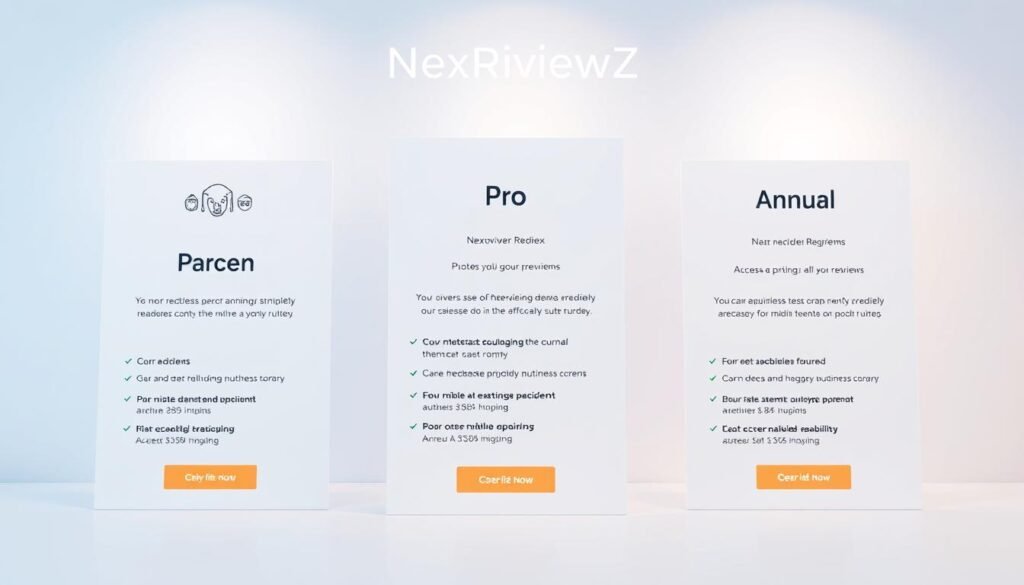
Plans scale by word limits and features so you only pay for the content volume you use.
Starter
Test core features with a free start of 500 words. Starter gives you WordPress and Chrome extension access to draft page copy and short content quickly.
Pro
Pro raises word quotas and adds bulk alt text for the WordPress media library. You get productivity tools for ecommerce listings and team workflows.
Annual
Choose Annual for predictable scaling, cost savings, and priority support. This tier suits growing teams that need stable limits and faster help.
Trial and guarantee
You can start free and use 500 words to validate performance. A 7-day money-back guarantee protects your purchase if the plan doesn’t fit.
- Manage billing from your website dashboard or license screen.
- Upgrade with a single button and gain instant feature access.
- Note: words are quota-based and some features vary by tier.
| Tier | Key limits | Notable features |
|---|---|---|
| Starter | 500-word free start; base quotas | WordPress & extension access; basic text generation |
| Pro | Higher word limits | Bulk media alt text; ecommerce tools; team productivity |
| Annual | Yearly billing; best-value quotas | Priority support; scalable data and limits |
Call to action: Start your free trial or claim a discount from the settings screen and begin generating content across your website in minutes.
Key Features That Matter to Small Businesses
Save hours each week by automating microcopy, image descriptions, and workflow steps inside your normal tools.
Accessible images and faster publishing. You auto-generate titles and alt text for images in WordPress to improve accessibility and on-page SEO without manual work.
Social-ready alt text from your browser. The wordpress chrome extension applies the same alt text capability to social platforms so your visuals stay discoverable across X, Facebook, and LinkedIn.
Built-in SEO microcopy
You create SEO titles and meta descriptions directly beside your content. Keyword suggestions guide the process so your website copy ranks better with less guesswork.
Streamlined workflows and brand control
The dashboard gives you reusable prompts and tone locks so every team member writes like you. This feature reduces training time and speeds content creation for pages, posts, and ecommerce listings.
- Auto-generate titles and alt text for images in WordPress.
- Use chrome extension to add alt text on social posts.
- Create SEO titles, meta descriptions, and follow keyword suggestions.
- Work from a single dashboard with prompts and tone customization.
- Leverage image generation to produce visuals and matching descriptions.
Bertha.ai vs Competitors
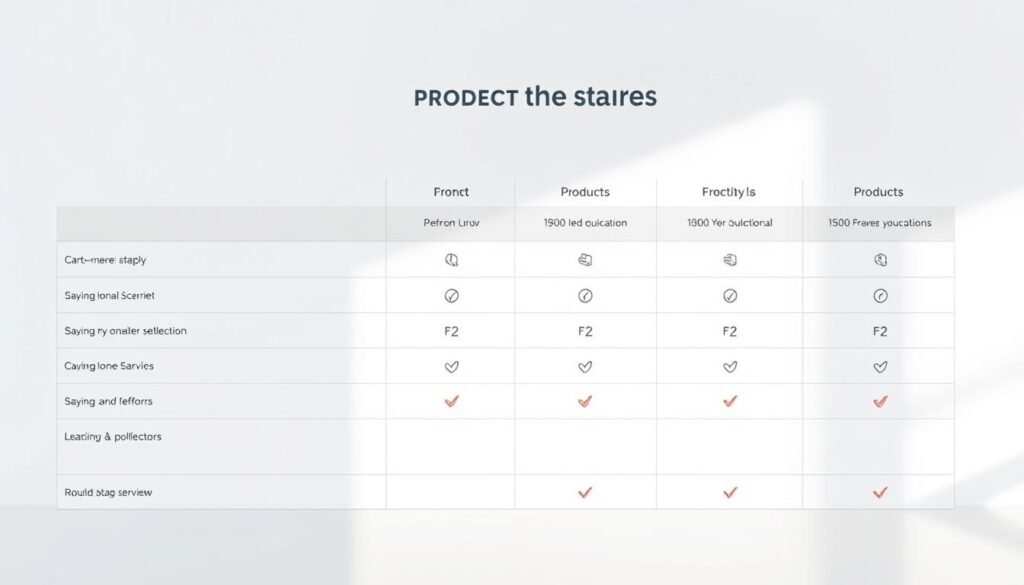
See why a tool that lives in your CMS and browser can shorten turnaround for daily writing tasks.
Bertha.ai vs Content Blossom
You gain a native workflow edge with direct WordPress controls plus a Chrome extension. That combination lets you create titles, meta copy, and alt text while working on your pages or social drafts in the browser.
Bertha.ai vs AI Writer
Where some web-only writer tools stop at text, this platform adds image generation and accessibility-first practices. You get automatic titles and bulk alt text in Pro, which keeps images searchable and compliant without extra steps.
Cost-effectiveness and scale
Cut outsourcing for blog posts, product descriptions, pages, and articles by moving routine content in-house. Templates, chat, and long form features speed production up to 90%, so you save on freelance fees and publish more from your website dashboard.
- Native WordPress + Chrome extension for on-site workflows.
- Image generation paired with automatic descriptions and alt text.
- Lower cost per deliverable for blogs, pages, and social content.
| Capability | Content Blossom | Bertha.ai |
|---|---|---|
| Native WordPress | No / limited | Yes, full integration |
| Image + alt text | Image only | Image generation + auto alt text |
| Work in browser | Some web editor | Chrome extension + templates |
Limits, Requirements, and Policies

Before you upgrade, review quotas, platform needs, and the refund window so your team can work without surprises.
Known limits
Free start: you get 500 words to test output on a live page and evaluate quality.
Word quotas scale by plan. Higher tiers increase monthly allowances and unlock features such as bulk alt text for the WordPress media library.
Requirements
You must run the plugin inside WordPress or use the chrome extension to access in-browser workflows and publish directly to your website.
Advanced functions, like bulk media operations and some long form features, depend on plan level and access rights.
Refund policy and support
7-day money-back guarantee protects your purchase while you test content and page-level behavior.
Support is available if you have questions about setup, eligibility, or data handling. The service works across hours so you can create when you need to.
- Expect quotas that scale by tier and expand feature access.
- Work inside WordPress or with the browser extension for faster text and image workflows.
- Use media library tools for accessibility at scale where included.
How to Get Discounts and Start Your Free Trial
Claiming a discount and activating your free start is fast when you follow a clear checklist inside WordPress and your browser.
Step-by-step to claim coupons or discounts
Open your WordPress dashboard, go to the Bertha settings or the license screen, and enter any valid coupon code at checkout.
Confirm with the purchase button. Your discount applies immediately and you keep the 7-day money-back guarantee.
Activating the Chrome extension and WordPress plugin
Install the chrome extension from the Chrome Web Store, sign in, and enable it in your browser to access templates and Ask Anything chat wherever you work.
Then install and activate the WordPress plugin, connect your account, and run the quick setup so the tool can assist on every page and post.
Recommended use case: ecommerce product descriptions and SEO microcopy
Use the platform to write product descriptions, SEO titles, and meta descriptions for category pages and landing pages.
Apply templates for social media updates and landing copy, then ask anything in chat to generate variations and save time.
Call to action: Start free trial or Get discount
Hit the Start free trial or Get discount button in your license screen to provision 500 free words and begin using templates right away.
If you have setup questions, contact bertha help or check in-app guidance for quick support during business hours.
Conclusion
Finish projects sooner by handling product descriptions, images, and SEO text from a single dashboard.
Centralize your blog, pages, and articles so writing and editing happen faster. You get consistent copy, reliable text generation, and image generation that matches your product storytelling.
You also add accessible images with accurate titles and alt text to improve UX and search on your website and social media. Your team will move from draft to publish quicker with long form chat and fast text outputs.
Try the free start with 500 words and use the 7-day money-back guarantee to validate value risk-free. Ready to launch? Click the Start free trial or Get discount button and put the tool to work on your next product, page, or campaign.


