


Ready to cut your video costs without losing pro results? If you want a cost‑effective video creation tool that speeds up content production, this annual deal may be the move for your small business.
Starter, Pro, and Annual tiers cover essentials like hundreds of templates, 24 fonts, brand colors, and logo uploads. Plans start at $15.99/month (USD) with annual billing that often gives the best effective monthly price.
You get saved branding, access to a Getty Images library, and easy ways to create videos from photos and clips. The desktop editor adds screen recording, voiceover, collaboration with comments, cloud storage, and simple sharing to Instagram and Facebook.
Note known limits: the iOS app can be less stable and music catalog access varies by tier. Try the free trial or confirm money‑back terms, then Start free or Get discount to lock in savings. Compare this option with Lumen5 and InVideo to pick the best fit for ads and promos.
Key Takeaways
- Plans start at $15.99/month, with annual billing usually delivering the best savings.
- Starter and Pro include templates, fonts, colors, and logo uploads for quick branding.
- Small‑business boosts: saved branding, Getty Images library, and handy templates.
- Desktop features include voiceover, screen recording, collaboration, and direct sharing.
- iOS app stability and music catalog vary by tier—test the trial before committing.
- Compare value with Lumen5 and InVideo to ensure the right feature set.
- Start free to test the editor, then upgrade to the annual plan to save more.
Why the Animoto annual deal is the best way to create videos that grow your business
Locking in an annual plan lowers your monthly cost and removes billing surprises so you can plan a steady content calendar.
Templates and saved branding speed production. Use a single template to swap images, text, fonts, colors, and your logo so every piece of content looks consistent.
The mobile app lets you pull photos and video clips from your phone, then finish the polished version on desktop. That hybrid workflow gets media out faster.
Included features—animated text, trimming tools, and songs—cut approval time. You avoid separate licensing steps and keep creative control inside your account.
- You lock in the best monthly budget with annual billing and create videos without surprise fees.
- Saved brand presets and templates make pro-looking output simple for small teams.
- Start free to test the video creation tool, then upgrade yearly to scale predictable production.
Animoto pricing: Starter, Pro, and Annual savings
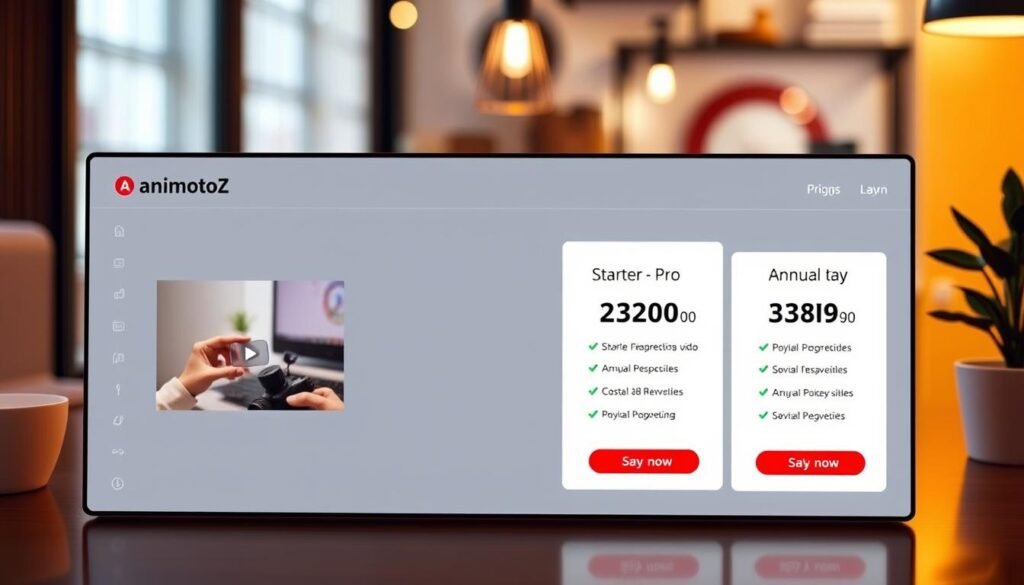
Compare the Starter, Pro, and annual options so you can match your budget to the features you need. Below is a quick breakdown so you can pick the plan that suits your video goals and team size.
Starter plan: entry-level video creation for social posts
The Starter tier is ideal if you want fast social media videos using core templates and basic brand controls. It helps you publish short video slideshows and posts without a steep learning curve.
Pro plan: advanced branding, music library, and more templates
The Pro plan adds saved branding, more templates, collaboration, and a larger music catalog. Use the extra music tracks and templates to polish product promos and ads for multiple placements.
Annual billing: how yearly plans lower your monthly cost
Pricing starts at $15.99/month (USD) and choosing annual billing typically lowers the effective monthly rate versus paying month-to-month. Annual plans help you forecast your content work budget and scale social media campaigns more predictably.
Trial and 30‑day money‑back guarantee, renewals, and currency notes
Start free to test the video creation tool on desktop or phone before you commit. If you buy on the web, verify whether a 30‑day money‑back guarantee applies to your account.
App Store subscriptions auto‑renew unless you cancel at least 24 hours before the period ends. There are no partial refunds for turning off auto‑renew mid‑period. Prices display in USD but may convert to local currency and include taxes on apps websites.
- Starter: core templates, quick publishing for social media.
- Pro: saved branding, extra templates, collaboration, expanded music.
- Annual: lock in savings, forecast costs, maximize ROI on video campaigns.
| Plan | Key features | Notes |
|---|---|---|
| Starter | Core templates, basic brand controls, publish to social | Good for quick video slideshow and social posts |
| Pro | Saved branding, more templates, collaboration, larger music library | Best for product promos and multi-platform ads |
| Annual | Lower effective monthly rate, consistent billing, predictable budgeting | Verify web refund policy and currency conversion before purchase |
Choose the annual plan now to lock in lower monthly pricing and scale your videos all year.
How to claim Animoto discounts or coupons step by step
Grab verified discounts from official promos, seasonal sales, and partner links before you pick a plan. Start with the vendor site and partner pages to confirm the offer applies to annual billing so you get the biggest savings on your video creation.
Find eligible offers
Check the official site during seasonal promos and look at partner links. Compare terms so the coupon covers annual pricing and any extra music tracks or template add‑ons you need.
Start free and verify plan eligibility
Click Get started free on desktop, create your account, and confirm which plans qualify for the discount. Testing the editor on the web helps avoid app instability before you commit.
Apply coupon codes and confirm annual pricing
Add the annual plan to your cart, paste the coupon at checkout, and verify the total reflects yearly billing. Check that included songs, fonts, and logo uploads are counted or priced separately.
Verify money‑back terms and set a reminder
Look for a 30‑day web refund window if available. App Store purchases are billed by Apple and have strict privacy and refund rules—no partial refunds mid‑period. Set a calendar alert 10–14 days before renewal to review seats and renewals.
Optimize savings for long‑term work
Reuse templates, save branding, and allocate team seats only to active editors. Upload your own photos and video clips to cut stock fees. Keep your account, coupon emails, and invoices in one secure tech folder for finance and teachers or students who need access.
| Step | Action | Why it matters |
|---|---|---|
| Find offers | Official site, seasonal promos, partner links | Ensures coupons apply to annual billing for max savings |
| Start free | Create account on desktop | Test the editor and confirm plan eligibility before purchase |
| Apply coupon | Paste code at checkout and confirm yearly total | Prevents surprise charges for music tracks or templates |
| Verify refunds | Check web money‑back terms; note App Store rules | Protects you from unwanted renewals and privacy issues |
| Optimize | Reuse templates, save branding, limit seats | Reduces recurring costs and speeds up video creation |
Animoto vs Lumen5 and InVideo: what you get for small-business video
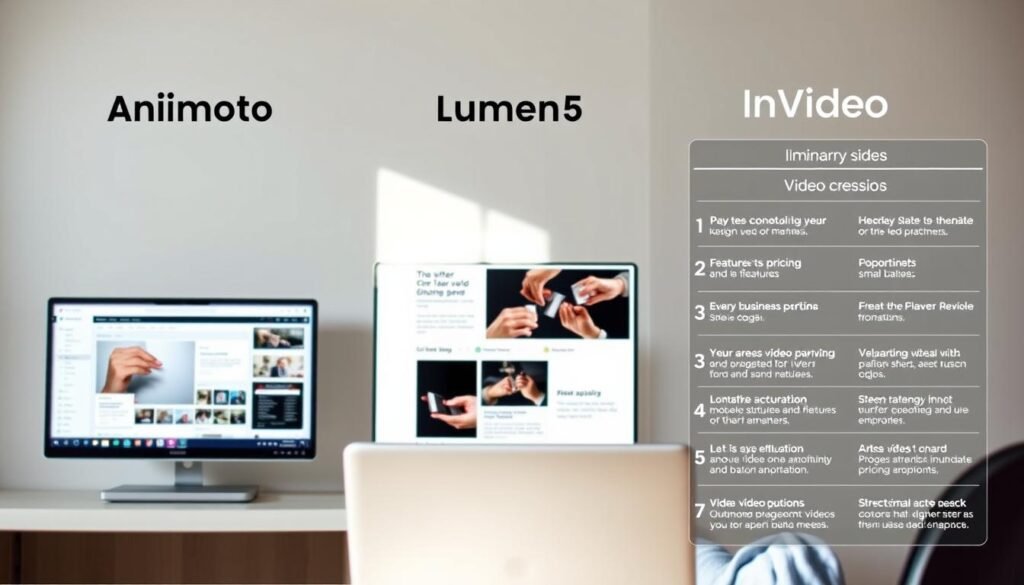
For small teams, the right creation tool blends speed, branding, and easy collaboration into one weekly workflow. Pick the platform that minimizes training and speeds production so you can publish consistent social media content on schedule.
Key SMB features you’ll use weekly
Templates, saved branding, and Getty Images let you swap text, images, and video clips quickly. That saves setup time and keeps every video consistent.
Built‑in tools that cut production friction
Voiceover, music tracks, screen recording, and comments are available inside the editor. Use voiceover for product explainers and screen recording for demos. Collaboration lets reviewers add comments without extra apps.
Quick comparison: animoto, Lumen5, and InVideo
Animoto hits the sweet spot for speed and brand control. Lumen5 excels at text‑to‑video automation. InVideo offers a bigger template and stock library for varied creative needs.
Known limits to check before you buy
- iOS app stability can vary—test the mobile version if you rely on phone editing.
- Music catalog depth changes by plan—verify included songs and licensing.
- Template‑led workflows can feel restrictive for frame‑by‑frame edits.
| Tool | SMB strength | When to pick |
|---|---|---|
| animoto | Saved branding, easy templates, Getty Images | Weekly ads, product promos, fast video slideshow creation |
| Lumen5 | Text‑to‑video, automation | Turn blog text into social videos quickly |
| InVideo | Large template & stock options | High template variety and detailed custom edits |
Best way to use Animoto for small businesses
Build on-brand videos quickly by applying saved settings and swapping in fresh images and text. This approach speeds weekly production and keeps every piece consistent for customers, classrooms, and training use.
Recommended use cases
Use templates to launch video ads, product promos, social media stories, and slideshows. Swap photos and short video clips, adjust text, and export variants for different platforms.
Workflow tips
- Drag-and-drop editing: assemble a draft in minutes and fine-tune frames without steep learning curves.
- Saved branding: store fonts, colors, and your logo once, then apply across projects to cut revisions.
- Voiceover & screen recording: add narration for demos and record walkthroughs to show features.
- Getty Images: pull missing visuals to keep production professional without a photoshoot.
Privacy and sharing
Publish directly to Instagram and Facebook from the app, or download files to your media library for reuse. Limit publisher permissions and store final assets in approved folders.
| Use case | Key action | Result |
|---|---|---|
| Video ads | Apply a template, add photos, set brand colors | Fast, on-brand ad variants for feeds and stories |
| Product promos | Combine video clips with voiceover and music | Clear demos that boost conversions |
| Classroom & training | Duplicate project, swap images, keep logos | Consistent lessons for students and teachers |
Start free to test a full workflow, then pick the annual plan to scale your videos at a lower monthly rate.
Conclusion
Choose yearly billing to lower costs and keep your content calendar predictable all year.
The annual plan gives you the lowest effective monthly price and fast access to templates, saved branding, and Getty Images for professional visuals.
The tool includes voiceover, screen recording, collaboration, and simple sharing so your team, teachers, and students can produce on‑brand videos quickly.
Verify the free trial and confirm any 30‑day web money‑back terms before you upgrade. Remember App Store purchases auto‑renew and rarely allow partial refunds mid‑period.
If you need deeper text automation or more templates, compare Lumen5 and InVideo. When speed and brand control matter, pick the annual deal.
Start free or get the discount now to lock in savings and scale your classroom, teaching, or business video work.


