


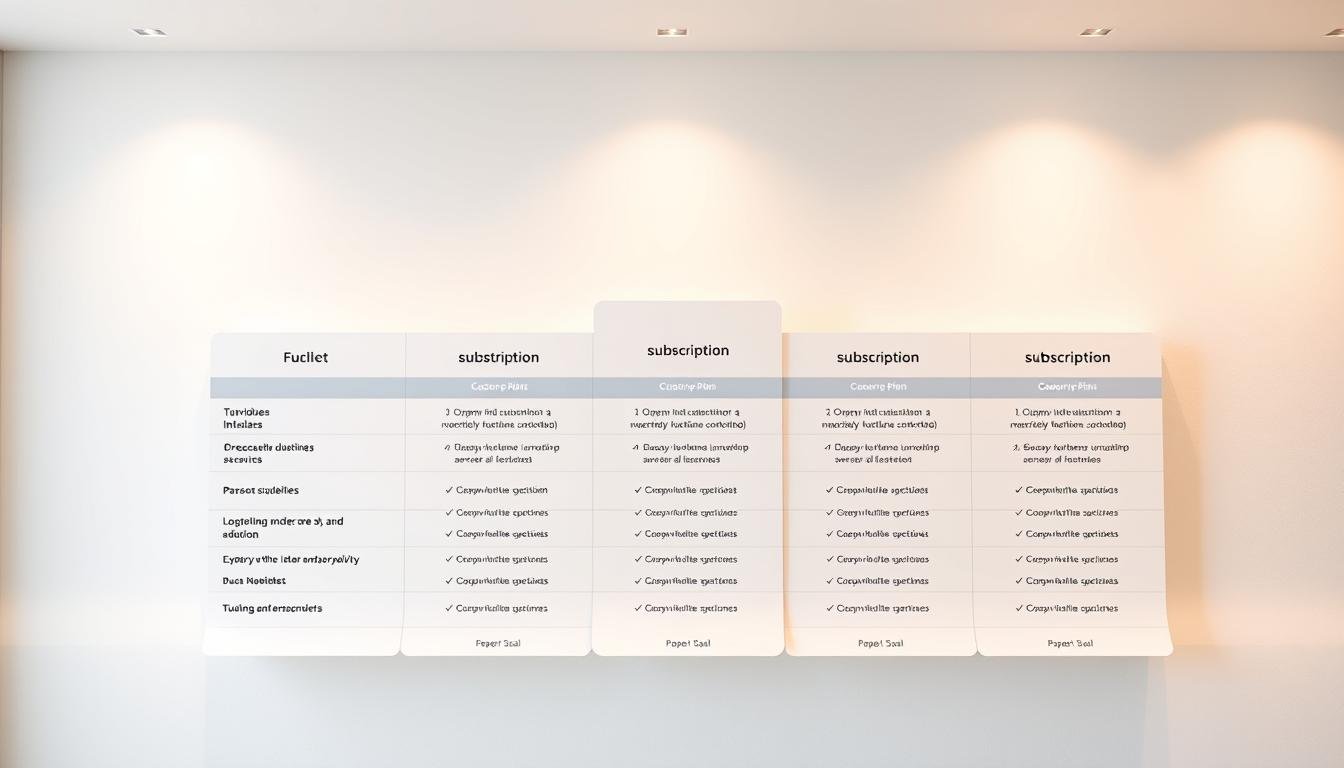
You need clear paperpal pricing for researchers so you can choose monthly, annual, or team plans that fit your workload. Exact rates change by region and offers, so check vendor site for current pricing, taxes, and refund terms before you buy.
This AI writing assistant bundles research, citation, grammar, and rewrite tools into one workflow. It works where you write—MS Word, Google Docs, Overleaf, and the web—so you keep your process and boost quality without rebuilding it.
Expect science-backed research features that draw from millions of articles, plus submission checks and a plagiarism scanner with free monthly limits. You’ll also find discount steps and a quick comparison to general tools so you can weigh academic-first benefits versus competitors.
Key Takeaways
- Compare monthly, annual, and team tiers — check vendor site for exact rates and refund policy.
- This tool streamlines research, citation, editing, and submission checks in one place.
- Work in Word, Docs, Overleaf, or online to keep your existing workflow.
- Benefit from trusted science-backed features and plagiarism scanning with free limits.
- Look for discounts and compare to Grammarly or QuillBot for academic-focused quality.
Paperpal pricing plans for researchers
Choose between flexible monthly access, cost-saving annual billing, or centralized team seats for your group. Each tier targets a different workflow, so review plan quotas and support options before you buy.
Monthly, Annual, Team — check vendor site
- Monthly: Best for short projects or trialing the tool; confirm the current monthly rate and taxes on the vendor site.
- Annual: Save over monthly billing for ongoing research; verify renewal details and any automatic renewal rules.
- Team: Centralized billing and multi-seat access for labs or departments; check seat tiers, SSO, and bulk discounts on the vendor site.
What’s included and free limits
All plans typically include language corrections, Rewrite and Write generative features, Research & Cite, Translate, Templates, plagiarism checks, and 30+ submission checks. Free quotas let you try core tools before upgrading.
| Plan | Key inclusions | Free quotas | Where you write |
|---|---|---|---|
| Monthly | Language corrections, generative features, submission checks | 200 corrections/mo; 5 generative uses/day; 7,000 words month plagiarism | MS Word, Google Docs, Web, Overleaf |
| Annual | Same core features + potential savings | Same free limits; higher quotas on paid tiers | MS Word, Google Docs, Web, Overleaf |
| Team | Multi-seat, billing, SSO options | Depends on seat tier—check vendor site for details | MS Word, Google Docs, Web, Overleaf |
Tip: Use the free plagiarism checker allowance, citation styles (10,000+), and daily generative uses to test the tool. Always confirm refund, renewal, and cancellation terms on the vendor site to avoid unexpected charges.
Features that matter to researchers and academic writers
A writing tool that pairs deep research access with citation automation changes how you prepare manuscripts.
Research & Cite pulls from more than 250 million research articles and formats references in 10,000+ citation styles. Use it to find science-backed answers quickly and reduce time spent on manual citation work.

Plagiarism and originality checks
The plagiarism checker scans up to 7,000 words per month for free. It compares your text against Turnitin’s database of billions of webpages and millions of open-access articles to flag overlapping phrasing before submission.
Language, grammar, and editing mode
Paperpal Edit offers context-aware language and grammar suggestions, plus consistency checks for references, equations, and terminology. Switch between Essential and Extensive editing mode to match speed and depth for drafts and final copies.
Where you write and extra tools
Work in MS Word, Google Docs, Web, or Overleaf without disrupting your workflow. Additional features include DeepL-backed Translate (30+ languages), Rewrite/Write for drafting, AI Templates, 30+ submission checks, AI Review, and optional Human Editing Check.
| Feature | Benefit | Quick use case |
|---|---|---|
| Research & Cite | Science-backed sources + 10,000 citation styles | Generate formatted references for a literature review |
| Plagiarism checker | 7,000 words/month free vs Turnitin databases | Scan a draft methods section before submission |
| Paperpal Edit & editing mode | Contextual language suggestions and consistency checks | Polish terminology and equations in a manuscript |
| Integrations & tools | MS Word, Google Docs, Web, Overleaf; Translate; Templates; AI Review | Draft in Overleaf, translate an abstract, run submission checks |
Key benefits for small businesses using Paperpal
Faster turnarounds and clearer client documents come from tools that combine writing, research, and checks in one place.

Benefit 1 — Boost productivity with faster drafting
Draft and revise more quickly using AI Write/Rewrite and Paperpal Edit in MS Word, Google Docs, Web, and Overleaf. You deliver more proposals, reports, and white papers each quarter.
Benefit 2 — Raise quality and client confidence
Improve writing quality with context-aware grammar and language suggestions that keep terminology consistent and tone academic when needed.
Benefit 3 — Save time on research and reduce risk
Streamline citation and checks with Research & Cite (250M+ articles, 10,000+ styles), 30+ submission checks, and plagiarism scanning so analysts spend less time formatting and more time on insights.
- Standardize workflows across mixed teams and contractors to cut review loops.
- Leverage data-backed sources to strengthen proposals and reduce validation time.
- Use checks help and internal QA to avoid rework and delays.
How to claim a Paperpal discount or coupon
Follow these steps to apply a promo code and activate your subscription across supported writing platforms.
- Open the official site and go to Pricing. Review Monthly, Annual, and Team options and any listed promotions.
- Choose a plan. Verify limits for language improvements, generative uses, plagiarism scanning, and submission checks before you proceed.
- Apply your coupon at checkout. Enter the code in the designated field and confirm the discount appears in your subtotal before payment.
- Create or sign in. Use your account so the subscription activates immediately across MS Word, Google Docs, Web, and Overleaf.
- Confirm activation. Check your dashboard and email, then test core features such as Research & Cite, plagiarism scanning, and citation formatting.
If a code fails, contact support with screenshots of the coupon and cart state. Include order details so support can resolve the issue quickly.
Pro tips: Validate billing cycle, renewal date, and taxes before finalizing. Save your invoice for expense tracking or grant reimbursement and keep coupon history to reassess before renewal.
Paperpal
Researchers need tools backed by publishing experience and real-world validation.
You can rely on a platform loved by more than 3M academics and trusted by 1,500+ journals. This history reflects 23+ years of STM experience and refinement across editorial workflows.
Why it matters: the engine has processed 10Bn+ words of academic text and draws on 250M+ research articles. That breadth helps you ground manuscripts in credible sources and raise the odds of acceptance.
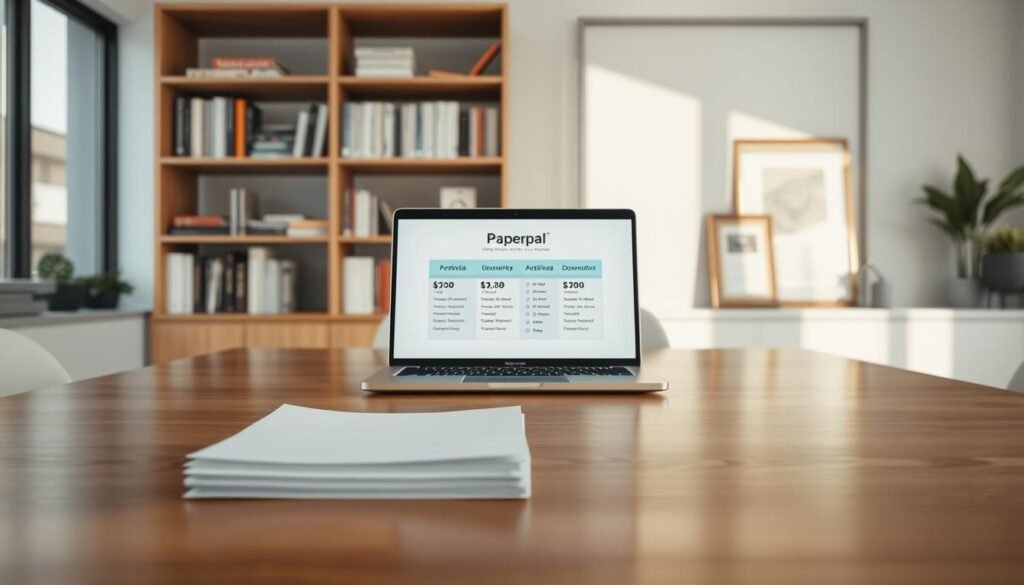
- Overleaf extension provided by Cactus Communications Services Pte Ltd with clear data handling and PII policies.
- Data isn’t sold to third parties beyond core functionality, helping you meet compliance needs.
- Language-technical refinements and grammar tools keep specialized writing accurate and readable.
Use consistent features across MS Word, Google Docs, Web, and Overleaf to streamline co-author work. Expect ongoing updates that bring parity across platforms and add submission-focused capabilities.
How Paperpal compares to alternatives
Choose the tool that matches your workflow: general polishing or academic rigor.
Grammarly is a broad writing assistant built for clear, general prose and strong grammar suggestions across email, reports, and web copy.
Paperpal writing centers on academic needs: research cite integration, citation automation, plagiarism checks, and 30+ submission checks that align with journal rules.
QuillBot vs an academic toolkit
QuillBot focuses on paraphrasing and quick rewording to improve flow or avoid repetition.
By contrast, Paperpal provides an end-to-end research workflow: literature search across 250M+ sources, auto-formatting in 10,000+ citation styles, and manuscript-ready checks.
- Depth: Research & Cite offers richer search and citation automation than generic tools.
- Academic checks: Use plagiarism checks and submission validations to reduce revision cycles.
- Integrations: Work directly in MS Word, Google Docs, Web, and Overleaf to keep collaboration simple.
Bottom line: If you need writing grammar and wording for general content, a broad assistant may suffice. If your goal is publication-ready text with verified citations and plagiarism checks, Paperpal delivers targeted academic features to help you prepare submissions more efficiently.
Refunds, renewals, and money-back policy
Before you commit, confirm refund windows and renewal rules so you don’t lose time or funds during a grant cycle.
Policy details can vary — check vendor site for current refund and renewal terms. Eligibility, proration, and how discounts affect returns differ by Monthly, Annual, or Team plans. Do not rely on past invoices; check the official page before checkout.
- Review the vendor refund policy and cancellation deadlines for your plan.
- Confirm renewal timing, proration rules, and whether coupons change eligibility.
- Verify payment methods and invoice options for institutional records in the United States.
- Check how your data and documents are handled after cancellation, including access to checker and submission readiness reports.
- If you need help, contact support with your order number and account email to speed resolution.
| Action | Why it matters | What to save |
|---|---|---|
| Check refund windows | Avoid unexpected charges during project changes | Policy page screenshot, confirmation email |
| Confirm renewal rules | Prevent auto-renew on idle seats | Renewal date, proration terms |
| Verify data handling | Protect research files and privacy | Overleaf listing notes; data not sold beyond core functions |
Conclusion
Choose the plan that matches your workflow, then confirm pricing and policy details on the vendor site before you buy.
, In short: paperpal gives an academic-first writing assistant with Research & Cite access to 250M+ research articles and automated references in 10,000 styles.
Use Monthly, Annual, or Team plans to fit short projects or long grants. Test free quotas like the 7,000 words/month plagiarism checker and try Paperpal Edit for language and editing suggestions.
Compare competitors if you need general-purpose polishing, but rely on this tool for citation, submission checks, and integrated work in MS Word, Google Docs, Web, and Overleaf.
Next step: confirm plan details, review refund and renewal terms, apply a coupon if available, and start using the platform across your writing stack today.