


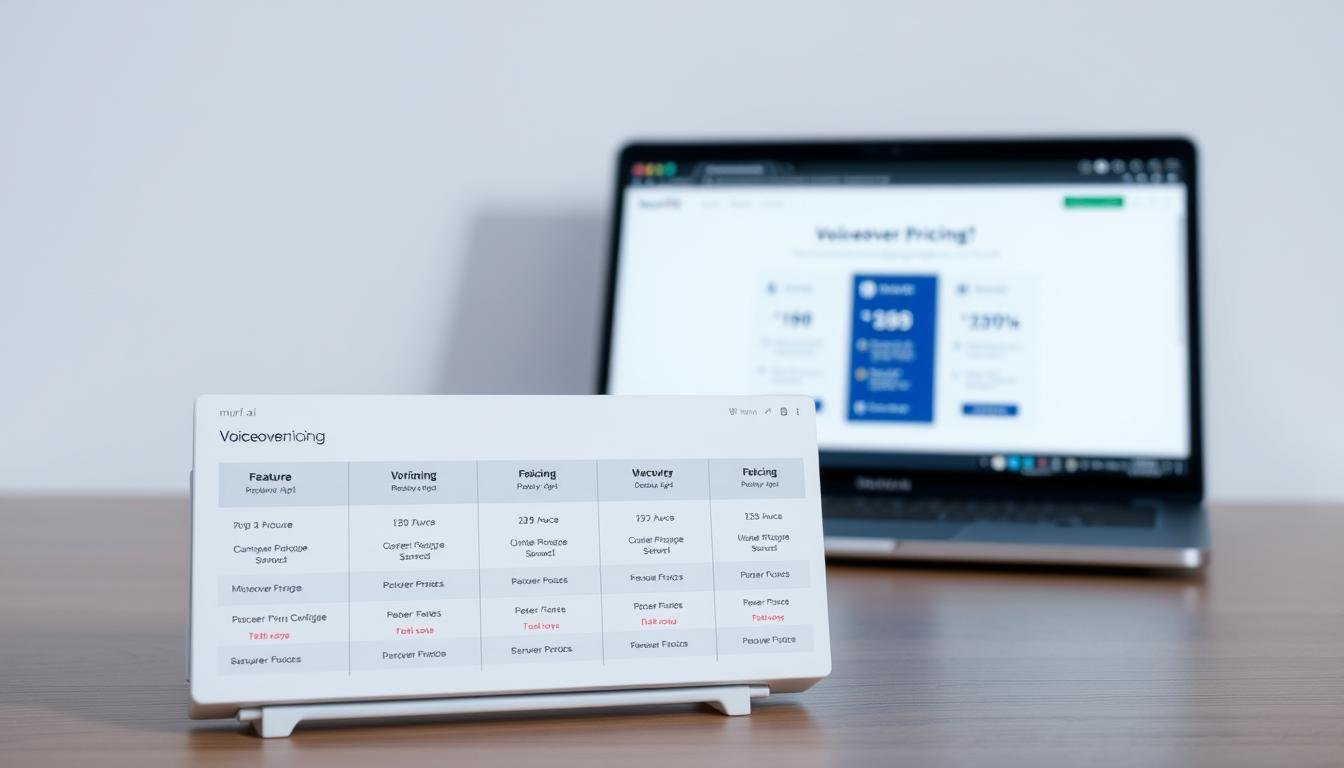
Want to cut production time and cost without sacrificing voice quality? You’re here to evaluate pricing fast, so this quick overview maps the monthly, annual, and team tiers at a glance — check vendor site for current figures and promotions.
The platform packs 200+ voices across 20–30+ languages and uses Speech Gen 2 to boost realism. Its all‑in‑one studio moves your script to finished audio with a built‑in timeline, collaboration spaces, and integrations like Canva and Google Slides.
Small businesses gain three clear benefits: speed of production, savings versus hiring a voice actor, and scalable capacity for many projects. Commercial rights come on paid plans; voice cloning and API access are usually gated to higher tiers.
Note time‑based generation allocations rarely roll over and annual billing often cuts effective monthly cost. For refunds or money‑back terms, and for exact pricing, check vendor site. You’ll also see short comparisons with Lumen5 and InVideo later in the review.
Key Takeaways
- Compare monthly, annual, and team tiers quickly — check vendor site for up‑to‑date pricing.
- 200+ voices, MultiNative language switching, and Speech Gen 2 improve realism and flexibility.
- Paid plans include commercial rights; collaboration and integrations support team workflows.
- Core small‑business wins: speed, cost savings vs. a voice actor, and scalable output.
- Voice cloning, API, and advanced controls are often reserved for higher tiers.
- Annual billing can lower cost per month; verify refund policy details on the vendor site.
Murf.ai at a glance: business-focused voiceover platform and pricing context
This review focuses on a cloud studio built for business voice production. You get a platform designed to deliver consistent, professional narration for training, marketing, and operations content.
Core technology centers on Speech Gen 2 to improve realism. The service offers 200+ voices across 20–30+ languages so you can match tone and regional language needs quickly.
You can try the free plan for a short, 10-minute test but downloads and commercial rights require a paid plan. Teams get shared projects, comments, and real-time updates to speed reviews.
- Cloud studio with fine-tune controls for pitch, speed, and emphasis.
- Integrations with Canva and Google Slides to add narration to assets.
- API access and extended features typically sit at business or enterprise tiers.
- Generation is measured in hours; allocations usually don’t roll over.
| Capability | What it means for you | When to check |
|---|---|---|
| Voices & languages | Large catalog for brand-appropriate narration | Before voice selection |
| Team collaboration | Shared projects and comments speed approvals | When scaling review cycles |
| Time-based generation | Hourly quotas; plan production to avoid waste | During budget planning |
| Billing options | Annual billing can lower effective rates | When comparing plans |
For current pricing, promos, and exact feature gates, check vendor site before you buy.
Who should use Murf.ai for voiceovers in your business
When tight schedules and frequent updates drive your content calendar, choose a system that delivers clear voice output in minutes.
Three clear benefits for small businesses: Speed, savings, and scalability. You can draft, tweak, and publish narration in minutes, shrinking production from days to hours for repeatable projects. Case studies report up to a 50% reduction in time for L&D content, which frees your team to focus on course quality.
You’ll also cut costs versus hiring voice actors for every revision or language version. For ongoing series, such as product updates or course modules, those savings add up fast.
Finally, scale across teams and projects with consistent voices, reusable settings, and shared workspaces. That consistency helps you launch catalogs and series without adding headcount.
- Use for e‑learning: fast updates, multilingual narration, consistent sessions.
- Use for marketing videos: test tones for paid social and iterated cuts quickly.
- Use for presentations and demos: concise voiceovers that standardize messaging.
Who should pick this? Content creators, creators in small teams, and any creator who needs reliable narration for videos, presentations, and support materials. If you want to prototype voice direction before final cut, this is a practical choice to use murf for early iterations.
Core features that matter to teams: voiceover quality, languages, and collaboration
When deadlines matter, features that simplify voice selection, editing, and review save hours across teams.
Text-to-speech with human-like voices and languages
You get Speech Gen 2 realism and a catalog of 200+ voices in 20–30+ languages. Preview your script, adjust pitch, speed, and emphasis, then lock a tone that fits your brand.
Voice cloning and brand voice consistency
Use voice cloning to standardize delivery across campaigns. Cloning is typically on higher tiers, so plan access if you need a consistent brand voice.
AI dubbing, translation, and MultiNative switching
Localize faster with AI dubbing and translation tools. MultiNative makes it possible to switch languages mid-sentence while keeping a single voice for continuity.
Team collaboration, shared projects, and integrations
Shared projects, comments, and real-time edits keep creative, L&D, and compliance aligned. Integrations with Canva and Google Slides cut manual export steps and reduce version drift.
Built-in editor for syncing voice, video, and media
The timeline editor helps you align narration to video, add music beds, and fine-tune timing. Use emotion sliders and the Say It My Way tool for tricky names and technical terms.
- Draft faster with the Voice Script Assistant and preview before final generation.
- Batch generation to manage hourly allocations and avoid wasted hours.
Murf.ai pricing tiers for businesses: monthly, annual, and team options
Select the right subscription by weighing how many hours you generate and which advanced features you need. Choose a plan that fits your production cadence, team size, and compliance needs. Below is a concise guide to the three main tier types; check vendor site for live pricing and promotions.
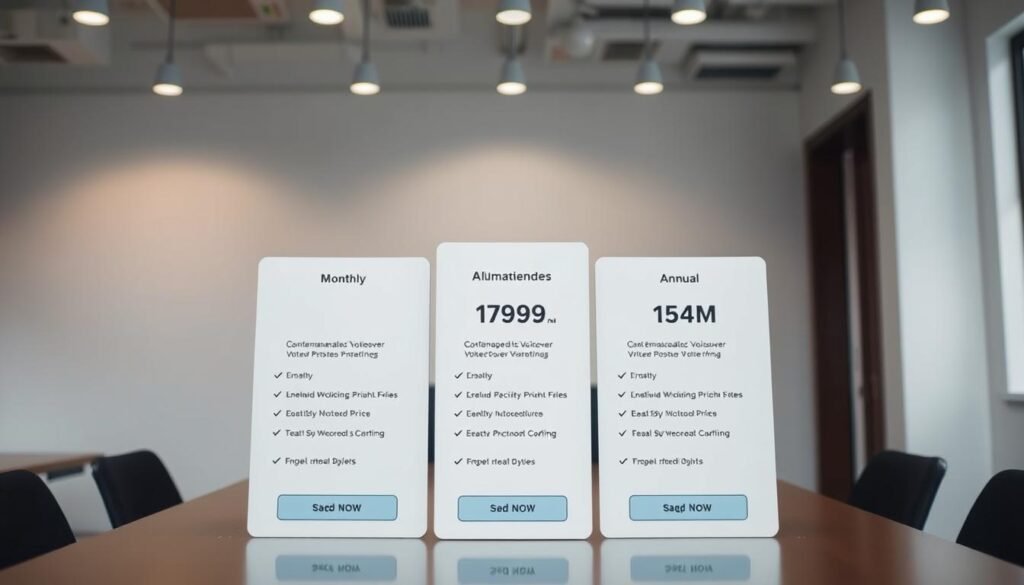
Monthly plans: Creator and Business — check vendor site
Monthly plans let you start fast and scale month to month. The free tier usually gives test minutes but no downloads; paid monthly plans add commercial rights and downloads.
Action: check vendor site for exact Creator vs Business hours, what downloads are included, and any trial limits before you commit.
Annual billing: lower effective rates and greater value — check vendor site
Annual billing often reduces effective monthly pricing if you publish regularly. It can be a better value for steady workloads.
Confirm whether hours are allocated monthly or yearly and whether unused time rolls over. Align your calendar to avoid running out mid‑cycle.
Team/Enterprise: collaboration, API, and advanced features — check vendor site
Enterprise plans focus on team workflows: SSO, admin controls, API access, and governance. Advanced items like voice cloning and cloning for brand voice are commonly gated here.
“If you need automated pipelines or strict seat controls, prioritize plans with API and admin features.”
- Verify commercial rights on paid plans for client and ad use.
- Plan seat assignments and contractor access to protect budget and content.
- Confirm generation is measured in hours and how minutes are counted per build.
Generation limits, commercial rights, and what’s included on paid plans
Verify how many hours and minutes your plan gives you, and what rights come with downloads.
Start by confirming time allocations. Generation quotas are usually measured in hours and minutes. Know whether those totals reset monthly or annually so you can schedule work without surprises.
Free tiers let you test voice previews for a few minutes but rarely include downloads or commercial rights. Paid plans unlock downloads and let you publish voiceovers for clients and paid content.
- Expect time-based limits: confirm the allocation period and reset schedule before heavy production.
- Paid plans typically include downloads and commercial rights needed for advertising and resale.
- Check which voices and languages come with your plan to avoid mid-project gaps when scaling.
- Advanced features like voice cloning, MultiNative dubbing, or API access are often gated to higher tiers.
- Store final files and keep versioned archives — your rights and access follow your active subscription.
- Review vendor licensing language for advertising, syndication, and resyndication to ensure clean use.
- Set internal guardrails and approval steps to control who consumes hours and minutes and to prevent overuse.
| Item | What to check | Why it matters |
|---|---|---|
| Time allocation | Hours/minutes period | Prevents mid-cycle shortfalls |
| Download & rights | Commercial usage terms | Allows monetized content |
| Feature access | Voice catalog & cloning | Ensures needed capabilities |
Action: confirm these items on the vendor site before you buy so your business can produce and publish content without legal or operational surprises.
Refunds and guarantees: 30-day money-back policy details
Check whether a money‑back promise covers your plan and account type before purchase.
Verify eligibility: look on the vendor site for any 30‑day money‑back policy and confirm it by billing type (monthly vs annual) and account class (individual, business, enterprise). Note that enterprise contracts often set different terms.
Confirm what counts as valid grounds for a refund. Technical failures, billing errors, and service outages may qualify. A change of mind often does not. Also check whether downloads or activated commercial rights affect eligibility.
Capture proof: save order IDs, timestamps, and screenshots. Submit these via the official support channel to speed approval.
- Test workflows in week one: voice selection, generation, export, and integrations.
- Expect prorates: partial periods may be handled differently.
- Have procurement/legal review enterprise terms before signing.

| Check | What to confirm | Action |
|---|---|---|
| Policy window | 30‑day or vendor-specified period | Note start date and deadline |
| Eligibility | Plan type and account class | Verify on vendor site |
| Usage effects | Downloads, rights, heavy generation | Document and report before dispute |
Action: if unsure, check the vendor site and follow support steps. This helps protect your pricing, plan choices, and content production when you test murf in real projects.
How to claim a Murf.ai discount or coupon
Discounts can lower effective monthly pricing, especially when paired with annual billing. Follow a clear checkout process so you don’t lose minutes or miss plan features you need.
Step-by-step: apply coupons and activate savings at checkout
- Create your account and choose your plan.
- On the checkout page, find the promo/coupon field and paste a valid code.
- Toggle annual billing if offered to unlock lower effective pricing, then confirm the final total shows both the coupon and annual savings.
- Complete payment and save a PDF or screenshot of the discounted checkout for accounting.
Pro tips: annual billing, trials, and verifying eligibility
Use the free trial to evaluate voice quality and workflow before committing a coupon to a plan or billing cycle.
Verify eligibility: some coupons apply to new customers, select plans, or only the first billing cycle. Always check the vendor site for current terms.
- Time purchases around vendor promos and sign up for first-party emails to get legitimate codes.
- Confirm tax, seat counts, renewal terms, and how proration works for upgrades or added seats.
- Keep a copy of the checkout that shows discounted totals and feature access for your records.
“Always verify coupon rules and confirm final pricing before you pay.”
ROI for small businesses: reduce production time and costs with Murf.ai
When your calendar fills with training and marketing deadlines, faster narration conversion turns hours into deliverables.
Convert scripts into publishable narration in minutes and reallocate hours you used for recording, editing, and coordinating talent. Case studies report about a 50% reduction in time for L&D work, so you ship more content with the same team.
Lower direct costs by replacing per‑project talent fees with predictable subscription pricing. Paid plans include commercial rights, which helps you monetize finished assets without extra licensing steps.

- Scale output: lock a voice and template, then replicate across projects and languages with consistent tone.
- Reduce revision friction: regenerate lines on the fly and update evergreen content without rebooking sessions.
- Shorten feedback loops: stakeholders preview drafts in one workspace and approve faster.
| Metric | What to track | Why it matters |
|---|---|---|
| Throughput | Videos produced per month | Shows production gains |
| Cost | Cost per finished minute | Compares subscription vs talent fees |
| Efficiency | Hours saved per project | Quantifies time reclaimed |
How Murf.ai fits alongside Lumen5 and InVideo in your video workflow
Generate precise narration first so you avoid re-timing video edits later. Start by producing your voice tracks, then import the final audio into your favorite video editor. This keeps edits focused and reduces downstream work.
Murf.ai vs. Lumen5: voiceover generation vs. video creation
You use the voice tool for narration, and Lumen5 for visuals. The voice platform gives you pronunciation control, voices languages options, and exportable WAV/MP3 files. Lumen5 handles storyboarding, aspect ratios, and quick captions for social videos.
Murf.ai vs. InVideo: narration quality vs. video templates
InVideo speeds visual assembly with templates and stock. Pair that with studio-quality voice files to get better pacing and fewer revisions. Use cloning to lock a brand voice, then apply brand kits in InVideo to keep visuals consistent.
- You produce high-quality narration and multilingual tracks, then drop audio into Lumen5 or InVideo to assemble videos fast.
- Lean on voices and MultiNative for localization while the video tools handle captions and aspect ratios for each channel.
- Generate multiple narration versions, then A/B test video variants to find the best content for your audience.
- Export precise WAV/MP3 with timecodes to avoid re-timing headaches during final edits.
| Task | Best tool | Why it fits |
|---|---|---|
| Narration & voice cloning | Murf.ai | Higher realism, pronunciation control, multilingual support |
| Template-driven video assembly | Lumen5 / InVideo | Fast templates, stock assets, captions, aspect ratios |
| End-to-end testing | Both | Generate voice variants, then test video performance across channels |
Workflow tip: Script, generate, and approve narration first. Then build visuals and test. This order protects speed and keeps your videos on schedule.
Your first Murf.ai project: from script to studio-quality voiceover
Start fast and get a polished voice track in minutes. Start your first project by pasting your script, then pick a voice that fits your audience and tone. Preview with the actual text to check pronunciation and style.
Choose the right voice and language for your audience
Sample several voices in the language and formality you need. Use short clips of your script to compare tone and pacing. Select the voice that reads naturally for your presentations and projects.
Optimize your script for audio: pacing, emphasis, and pronunciation
Shorten long sentences and add natural pauses. Mark emphasis for key phrases and clarify numbers and acronyms so the generation reads cleanly in the first minutes.
Fine-tune delivery, sync with video, and export
Use the editor to tweak pitch, speed, and pauses. Try the “Say It My Way” tool for product names and the emotion sliders for mood shifts. Align audio on the timeline, set music under the voice, then export WAV or MP3. Save the project for later localization or voice cloning as you scale.
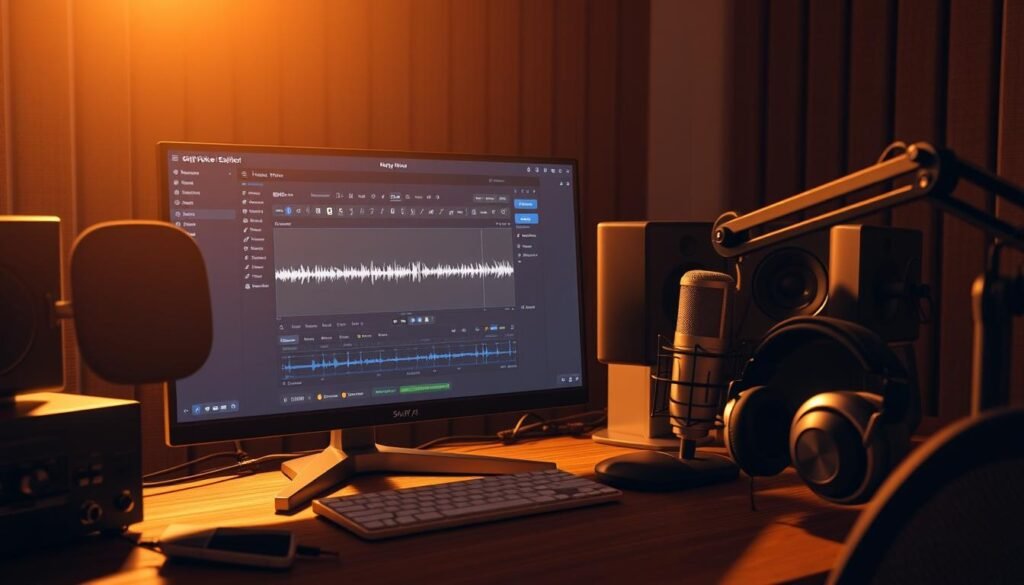
| Step | Action | Result |
|---|---|---|
| Paste script | Load text into the studio editor and select voice | Quick preview for accuracy |
| Tweak delivery | Adjust pitch, speed, emphasis; use Say It My Way | Natural, brand-aligned narration |
| Sync & export | Align on timeline, add music, export WAV/MP3 | Studio-quality file ready for presentations |
Ethical use, consent, and licensing: safe business deployment of AI voices
Ethical voice use starts with transparent consents and strict access controls.
Obtain explicit consent before any voice cloning. Keep written approvals, sample recordings, and a clear statement of intended use for legal reviews.
Respect likeness and publicity rights when cloning executives or talent. Contracts should define scope, revocation, territory, and what happens if consent is withdrawn.
Confirm commercial rights on paid plans so your exports and ads are covered. Verify that downstream use—ads, sponsorships, or syndication—is within your rights.
- Limit cloning and advanced features to selected admins and require approvals.
- Brief teams: no impersonation, deceptive use, or misattributed statements; disclose synthetic use when needed.
- Choose enterprise plans for SSO, audit logs, and stricter governance if you scale.
| Risk area | Control | Why it matters |
|---|---|---|
| Consent & provenance | Document approvals and samples | Proves legal right to clone a human voice |
| Likeness & contracts | Scope, territory, revocation clauses | Protects brand and talent relations |
| Platform access | Admin roles, SSO, audit logs | Prevents unauthorized cloning |
| Developer integration | Rate limits, key management, filters | Secures API workloads and reduces misuse |
Monitor changing regulation and update policies by language and jurisdiction. Work with developers to log actions and enforce limits so your business uses this technology responsibly.
Conclusion
This review shows how modern speech technology pairs with team features to speed your production and protect quality.
You get high‑fidelity speech, broad voice choices, and multilingual support so content teams can publish faster. Use precise script edits, the built‑in editor, and emphasis controls to cut revision cycles and export studio‑ready narration for videos and training.
Next steps: pick the plan that matches needed features—monthly, annual, or team/enterprise—confirm pricing, discounts, and the 30‑day refund terms on the vendor site. Pair narration with Lumen5 or InVideo for quick visual assembly and apply governance for voice cloning and consent as you scale.
For a strong, practical next step, run a short test project, document results in minutes, and align with developers or procurement before committing.