

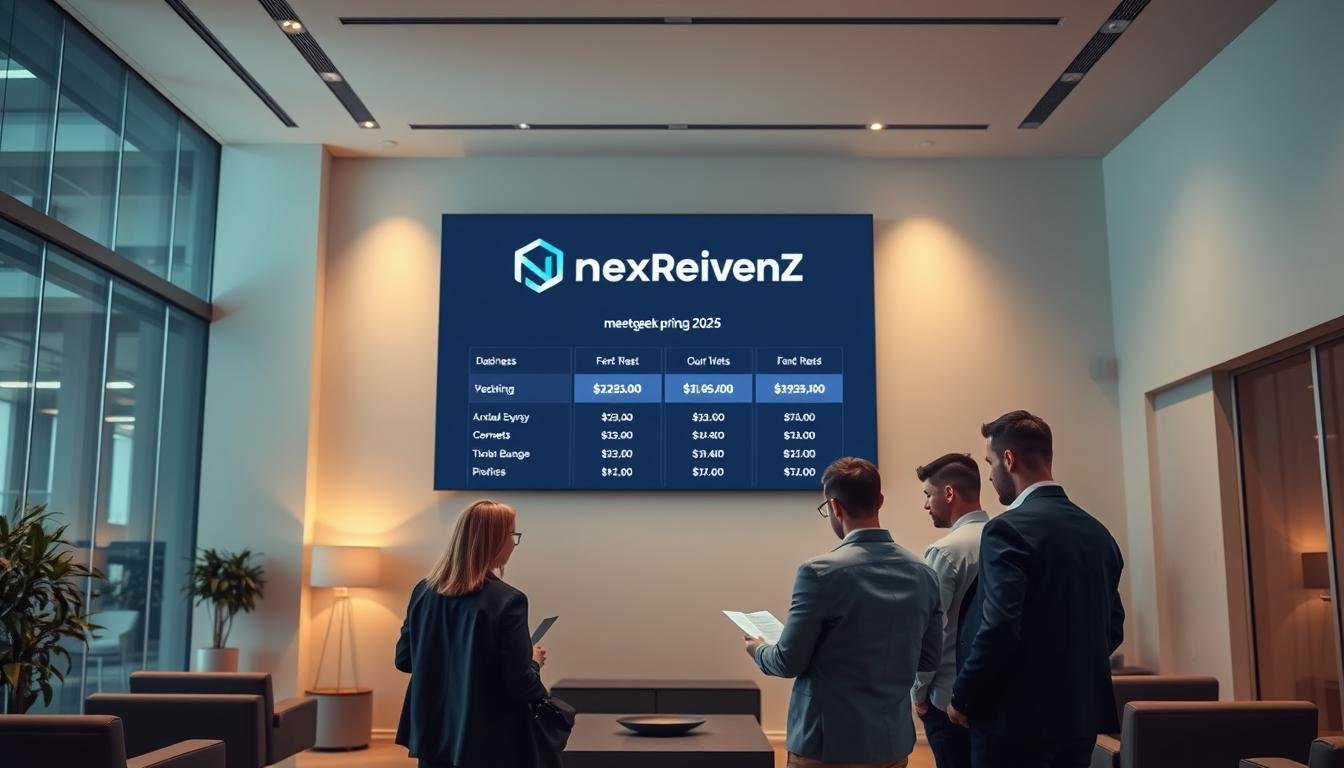

Curious which meeting tool gives you the best value in 2025? You’ll get a clear, practical look at pricing tiers—Starter $19/month, Pro $29/month, and Annual $199 per user per year—so you can budget confidently for your meetings and team needs.
MeetGeek automates online meetings on Google Meet, Zoom, and Teams with automatic recordings, transcripts, and concise summaries. It connects to HubSpot, Notion, ClickUp and 10,000+ apps, and supports 60+ languages for transcription.
For small businesses, key features include instant AI summaries and notes, multi-language transcription, and native integrations that push information into your existing tools. You’ll also see how it stacks up to Otter.ai and Fireflies.ai, learn about the free plan limits, and note the 14-day money-back guarantee that de-risks your trial.
We’ll outline known caps like monthly transcription minutes and storage limits, give step-by-step coupon guidance, and recommend the best use cases—sales calls, client check-ins, and internal standups. Ready to test it? Start a free trial or get your discount and activate essential integrations today.
Key Takeaways
- Pricing: Starter $19/mo, Pro $29/mo, Annual $199 per user/year.
- Core value: automated transcripts, summaries, and routed notes into your apps.
- Top competitors: Otter.ai and Fireflies.ai for comparison.
- Small business features: instant summaries, multi-language transcripts, strong integrations.
- Risk-free: 14-day money-back guarantee and a free plan to test basics.
- Limits to watch: monthly transcription minutes and storage per plan.
- Call to action: start free trial or claim the annual discount now.
MeetGeek pricing at a glance in 2025
Find the right balance of transcription hours, storage, and team features in one glance. Below is a compact view of each tier so you can decide fast.
Starter — $19 monthly
Starter gives core meeting notes and accurate transcription. It covers routine calls and lets you share transcripts without overpaying.
Pro — $29 monthly
Pro raises monthly transcription hours (about 20 hours/month), adds templates and insights, and fits teams with recurring agendas.
Annual — $199 per user per year
Annual lowers your effective monthly cost and is best when you need always-on summaries across many meetings.
What’s included in the free plan
The free plan offers automated notes and summaries, roughly 5 hours of transcription per month, 3 months of transcript storage, and 1 month of audio storage. It’s ideal to test core features before you upgrade.
- Works across Zoom, Google Meet, and Microsoft Teams for smooth adoption.
- You can email summaries to stakeholders to speed follow-ups.
- A 14-day money-back policy protects your trial of paid tiers.
| Plan | Transcription hours | Storage (transcripts/audio) | Best for |
|---|---|---|---|
| Free plan | 5 hrs/month | 3 months / 1 month | Try core features |
| Starter ($19/mo) | Starter-level (more than free) | Longer than free | Individuals & small teams |
| Pro ($29/mo) / Annual ($199/yr) | ~20 hrs/mo (Pro) / discounted annual allowance | Extended storage | Regular meetings, teams, always-on summaries |
Action: Start with the free plan or a paid trial to validate fit, then upgrade or choose Annual to save time and cost across your meetings.
MeetGeek key features that help small businesses save time
Save hours each week by letting AI turn every meeting into clear, actionable notes. You get instant meeting summaries with decisions and assigned action items so follow-ups happen fast.
AI summaries that surface action items in one click
Auto-generated summaries extract key points, decisions, and next steps in seconds. This removes manual note-taking and boosts productivity for small teams.
Record and transcribe across Google Meet, Zoom, and Teams
Capture reliable audio and video, with speaker-labeled transcriptions that make timeline search simple. Support for 60+ languages keeps global calls accurate.
Integrations and automations to sync notes with your tools
Use one-click automations to push meeting notes and transcriptions to HubSpot, Salesforce, Notion, ClickUp, Slack, or 10,000+ apps via Zapier/Make.
| Feature | Value for small business | Time saved / use case |
|---|---|---|
| AI meeting summaries | Clear action items & decisions | 30–60 min saved per week — faster follow-ups |
| Speaker-labeled transcriptions | Accurate notes, searchable timeline | Cut review time by 50% — find moments fast |
| Integrations & automations | Notes flow into CRM and project tools | Hours saved weekly — no copy-paste |
MeetGeek vs Otter.ai and Fireflies.ai: which fits your workflow
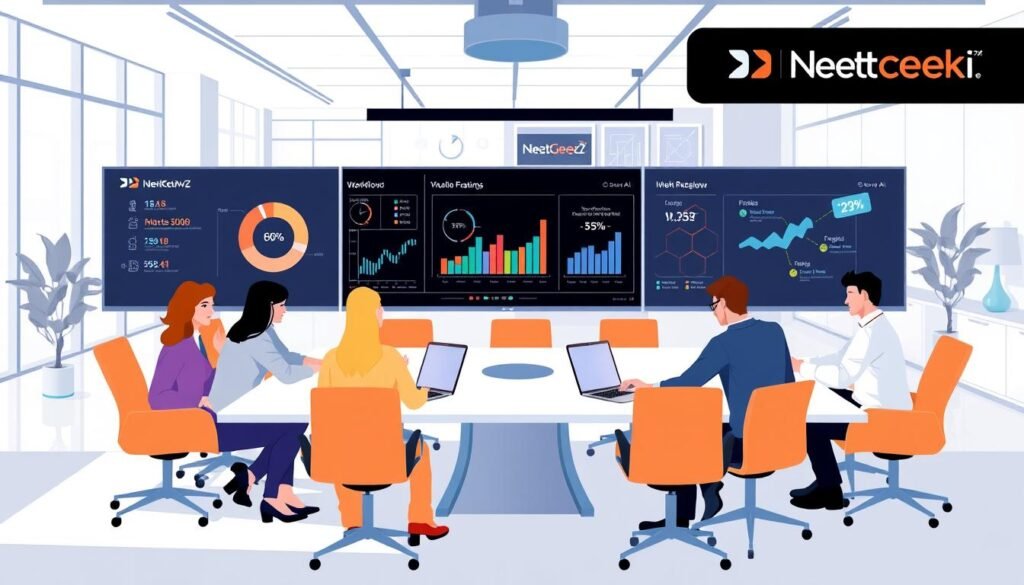
When you compare meeting apps, focus on summary quality, integrations, and cost for your team.
Where MeetGeek outshines Otter.ai for summaries and insights
MeetGeek earned high marks in independent reviews for AI summaries that structure decisions and action items.
It also gives analytics—who spoke, talk time, and engagement—that help managers trim long meetings.
Fireflies.ai comparison: collaboration, limits, and pricing
Compared with Fireflies.ai, this product focuses on fast sharing and deep integrations into HubSpot, Notion, and ClickUp.
Transcription quality is reliable across Zoom, Google Meet, and Microsoft Teams, with clear speaker labels for easier review.
“AI summaries and talk-time analytics made follow-ups faster and clearer in our tests.”
- Better summaries and meeting insights vs Otter.ai.
- Smoother collaboration and CRM routing vs Fireflies.ai.
- Watch transcriptions minutes and storage caps when choosing a plan.
| Criteria | Strength | Trade-off |
|---|---|---|
| Summaries | Structured action items | Higher plan use for heavy meetings |
| Integrations | CRMs & project apps | Requires setup |
| Analytics | Talk-time & engagement | Not all competitors match depth |
Recommendation: Start with the free plan to test summaries, notes routing, and integrations before committing to an annual tier.
How MeetGeek works across online meetings
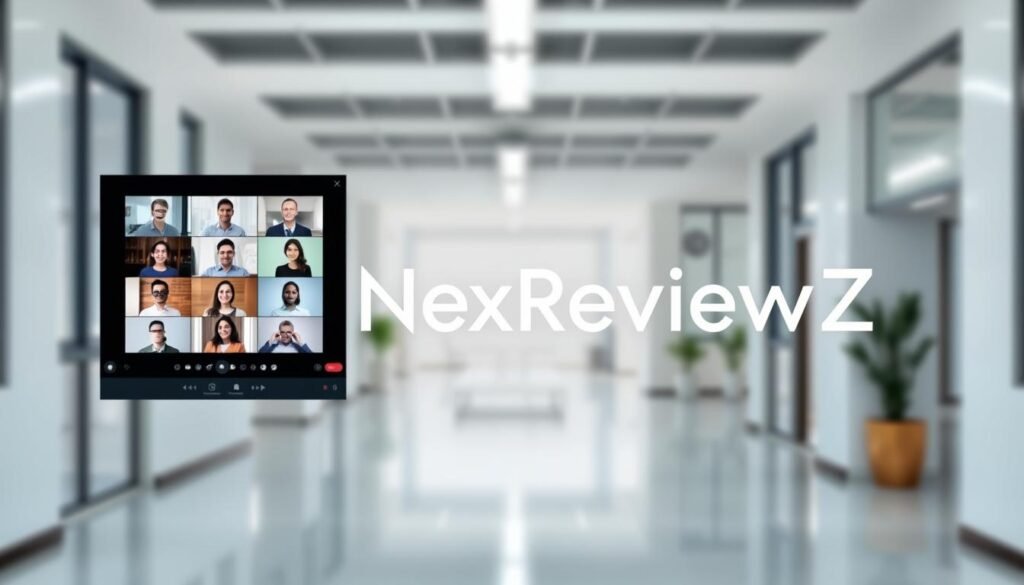
See how the AI joins or stays out of your calls so you get clean notes without changing how your team meets.
Bot or bot-free: record, transcribe, and generate summaries your way
You can use a bot participant or record bot-free from the Chrome extension by selecting a tab. This gives you quick capture without adding an extra attendee.
Enable Automatic join by syncing your calendar so the note taker handles scheduled meetings in one click. For ad-hoc calls, paste a meeting link to invite the bot instantly.
Using MeetGeek with Google Meet, Microsoft Teams, and Zoom
The tool works reliably on Zoom, google meet, and microsoft teams so your workflow stays the same.
- Pause and resume audio or video recording during sensitive moments.
- Access transcripts and concise summaries immediately from the widget or web app.
- Configure the meeting note taker to join only the meetings you choose and share transcripts with teammates.
Result: fewer admin tasks, consistent notes, and faster follow-ups after every meeting.
Limits, storage, and policies to know before you buy

Know the caps on transcription time and file storage to match a plan to your team’s meeting load. Understanding these limits helps you avoid mid-project overages and keeps workflows uninterrupted.
Transcription minutes and storage caps by plan
Free plan gives 5 hours of transcription per month, with transcripts retained for 3 months and audio for 1 month. This is ideal to validate core features before upgrading.
Pro-like tiers typically offer ~20 hours/month, transcripts kept up to 1 year, and video/audio storage around 6 months. Choose this if you run weekly recurring meetings.
Business tiers raise the allowance to about 100 hours/month, unlimited transcript storage, and 12 months for video. Pick this for heavy meeting cadences or audit retention needs.
Refunds and the 14-day money-back guarantee
You can upgrade risk-free. A simple 14-day money-back guarantee lets you test paid features and confirm the plan meets your needs.
- Allocate buffer minutes so you don’t hit transcription caps during critical meetings.
- Use pause/resume during sensitive moments and store summaries or notes instead of full files when possible.
- Review your internal privacy policy and data handling rules alongside the vendor’s controls.
| Plan | Monthly transcription | Transcript retention |
|---|---|---|
| Free plan | 5 hrs | 3 months |
| Pro-style | ~20 hrs | 1 year |
| Business | ~100 hrs | Unlimited |
Security note: You get standard safeguards like encryption in transit and at rest, GDPR support, and SOC 2 Type 2 compliance to protect meeting data. Align these controls with your compliance checklist before committing.
Security, privacy, and compliance for your meeting data
Strong encryption and clear controls keep your meeting content safe. You get enterprise-grade encryption in transit and at rest to protect audio, video, and transcripts.
GDPR, SOC 2 Type 2, and encryption practices
You should be able to show auditors and clients the same protections you use internally. The platform holds GDPR compliance and a SOC 2 Type 2 certification, giving legal and IT teams documented assurance.
An accessible privacy policy and admin tools let you set sharing rules and limit who can view sensitive information. Pause/resume recording and granular sharing reduce exposure during live calls.
- Protect data with encryption and role-based access.
- Keep meetings compliant across multiple languages and regions.
- Use permissioned access to preserve privacy while you leverage talk-time and engagement insights.
| Control | What it protects | Why it matters |
|---|---|---|
| Encryption (in transit & at rest) | Recordings, transcripts, metadata | Reduces breach risk and meets vendor security checks |
| Certifications | GDPR, SOC 2 Type 2 | Audit-ready evidence for compliance reviews |
| Admin controls | Sharing, retention, user roles | Fits your governance and client commitments |
Tip: Train your team on recording rules and document controls so you can demonstrate due diligence to clients and partners.
Best small business use cases for MeetGeek
Turn every meeting into an actionable summary so your team spends less time chasing decisions. AI summaries deliver decisions and action items fast, so you can close loops instead of writing notes after the fact.
Sales, client calls, and internal meetings where summaries speed decisions
Sales teams capture objections, next steps, and key points in meeting notes and push outcomes straight to your CRM (HubSpot or Salesforce). This reduces manual entry and speeds pipeline movement.
Client service benefits from email-ready meeting summaries after calls so you confirm deliverables and timelines without delay.
- Internal standups and project syncs get concise summaries that list decisions and owners — no rewatching required.
- Meeting insights surface talk-time balance and engagement, helping managers coach for shorter, more focused meetings.
- Works with Google Meet and Microsoft Teams so your scheduling stays the same while notes flow into Notion or ClickUp.
ROI: centralizing meeting notes and automating distribution saves time across the week and reduces context-switching. Templates standardize recurring calls and cut missed follow-ups.
“Instant summaries and CRM syncs turned a two-hour admin load into a few minutes of verification.”
Try it: start with the free plan to validate the workflow, then upgrade to Annual for always-on coverage and better per-user pricing. Start your trial or upgrade to save time and boost productivity now.
How to claim MeetGeek discounts or coupons
You can secure the best per-month pricing with a few simple checkout moves. Start by testing the free plan so you verify accuracy and workflows before paying.
-
Start with the free plan or trial
Sign up to validate how the note taker transcribes meetings and produces a concise summary. This lowers risk and shows whether the AI fits your team’s cadence.
-
Choose Annual at checkout
Select the Annual option to lock in the lowest per-month cost and get always-on summaries for the year.
-
Apply any coupon code
Enter the promo code in the designated field; discounts typically apply in one click before you confirm payment.
-
Verify terms and complete purchase
Review the pricing breakdown, confirm the 14-day money-back guarantee, then finish checkout with confidence.
-
Activate integrations and settings
Connect HubSpot, Salesforce, Notion, ClickUp, Slack or Zapier/Make so summaries route into your apps. Configure the AI note taker to auto-join recurring meetings and add guardrails for client calls.
“Start on the free plan, pick Annual to save, then link your apps so summaries reach owners automatically.”
| Step | Action | Why it matters |
|---|---|---|
| Trial | Use free plan | Validate transcription and summary quality |
| Checkout | Select Annual | Lower monthly cost, always-on coverage |
| Promo | Enter coupon | Apply discount in one click |
| Post-purchase | Activate integrations | Maximize ROI and automate emails |
CTA: Start the free plan today, lock Annual pricing if it fits, and connect your apps to transcribe meetings and send summaries by email automatically. Remember the 14-day refund if you need to revert.
Conclusion
Use this conclusion to match pricing and features to your meeting load and team goals. Starter ($19/mo), Pro ($29/mo), and Annual ($199/user/yr) give clear choices based on minutes, storage, and scale.
Bottom line: the platform speeds up meeting notes and meeting summaries with accurate transcription, searchable transcripts, and meeting insights that reduce admin time. It works on Google Meet, Zoom, and Microsoft Teams so your online meetings stay on your preferred platform.
You can transcribe meetings in 60+ languages, capture audio and video, and route outputs into HubSpot, Notion, ClickUp, or other apps. Reviews praise the summary quality, while limits on minutes and storage scale by plan.
Recommended use: small sales and client calls where the meeting note taker and summaries highlight points, owners, and next steps. Try the free plan, then pick Annual to save or start a trial—14-day money-back guarantee included. Start your free trial or claim the discount and activate integrations to see ROI in the first week.


