
Curious how a single subscription could cut hours from your weekly video tasks?
You need a clear, transactional look at pricing so you can budget for video marketing and scale production. This review focuses on U.S. marketers and explains monthly tiers: Starter, Professional, Team, and Enterprise. It also notes a 14-day free trial and sample monthly rates, and directs you to check vendor site for current annual pricing and promos.
The platform converts scripts, blog posts, URLs, and slides into editable videos with text-based editing, auto-captions, and highlights. Plan differences include export resolution, access to premium voices, and stock libraries. You’ll get a sense of how pricing affects workflows, budgets, and small-business needs like time savings and predictable costs.
Later sections cover discounts, refund guidance, and a brief comparison with Descript and Lumen5 so you can pick the right tier for your team or solo work.
Key Takeaways
- You’ll see Starter, Professional, Team, and Enterprise priced for U.S. marketers and where to check for current annual rates.
- The platform speeds up video creation with script-to-video, text-based editing, and auto-captions.
- Plan differences matter: resolution, voice options, and stock library access affect value.
- A 14-day free trial is available; some reports note up to three 10-minute projects without a card.
- We include discount guidance, refund tips, and a brief comparison with Descript and Lumen5.
Quick take: Is Pictory right for your video marketing workflow?
If your priority is fast, text-driven video output, this tool can move your pipeline forward.
Fit at a glance: Best for creators and marketers who turn scripts, blog posts, or URLs into short, faceless videos without hiring editors. You get AI-powered video workflows that speed up creation and reduce manual editing time.
Small businesses gain quick wins: repurpose written content into social clips, build captioned drafts, and export square or portrait variants for YouTube, TikTok, and Instagram.
- Text-based editing and scene controls shorten learning curves and save you time.
- Professional tier unlocks premium voices; Starter has limits—match that to your needs.
- Team plans add collaboration and brand kits; Enterprise fits firms needing API and admin controls.
Try the 14-day free trial to validate export and voice quality before you commit. Check the vendor site for current plan details and terms so your purchase aligns with your recurring content use cases.
Pictory — what it is and how it helps you create videos fast
Turn words into polished social clips in minutes with workflows that map your script to scenes.
This ai-powered video platform assembles drafts from scripts, blog posts, or URLs so you can skip the blank timeline and start refining immediately.
AI-powered workflows: script-to-video, blog-to-video, text-based editing
You paste a script or a blog URL and get an AI-assembled draft with suggested visuals, music, and a voiceover to speed the first cut.
Text-based editing lets you edit by transcript instead of by timeline. Remove filler words, tighten wording, and adjust scenes by changing text.
Stock library, captions, and multiformat exports for social media
The built-in stock library ranges from Storyblocks on lower tiers to Getty + Storyblocks on higher plans, so you can source images and footage that match your message.
You can auto-generate captions and SRT/VTT files to boost accessibility and SEO. Export in landscape, square, or portrait to fit each social media channel without rebuilding projects.
“Auto-highlights and PowerPoint-to-video turn long-form content into bite-sized promos and explainer pieces.”
- Bring your own voice or pick premium AI voices (ElevenLabs on higher tiers).
- Auto-pull highlights from long-form videos to create shorts and teasers.
- A scene-based editor reduces friction for non-technical marketers while keeping fine control of visuals and duration.
Pictory pricing for marketers: monthly, annual, and team options
Compare monthly and annual tiers so you can match capacity and quality to your video workload.
Monthly tiers at a glance: Reported monthly plans include Starter ($23/month), Professional ($47/month), and Team ($117/month). Starter is best if you test the tool with limited output. Professional adds 1080p export and ElevenLabs voice time for higher production quality. Team unlocks collaboration, brand kits, and higher volume for multiple marketers.
All plans reportedly include a 14-day free trial so you can validate export quality, stock access, and voice output before you pay. For current annual pricing and exact percent savings, check vendor site—annual rates and promotions change.
- Core inclusions: script-to-video, blog-to-video, text-based editing, captions, and auto-highlights across plans.
- Upgrade when: you need more minutes, higher resolution, or premium voices to match brand standards.
- Enterprise: choose custom plans for admin controls, security, API access, and higher limits if you plan automation or large-team workflows.
Verify monthly minutes, max video length, and stock library mix (Storyblocks vs. Getty + Storyblocks) so your creation flow isn’t interrupted. Match your expected volume to the plan minutes to avoid overruns and keep delivery timelines predictable.
Plan comparison at a glance: minutes, resolution, voices, and collaboration
See how minutes, resolution, and collaboration features differ so your team meets deadlines without overages.
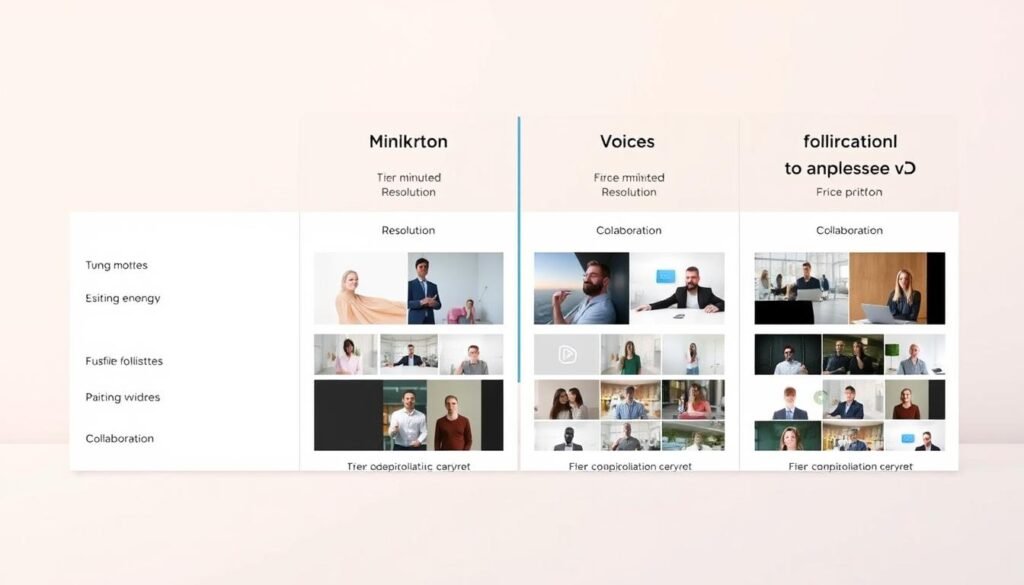
Quick snapshot: Starter gives about 200 monthly minutes at 720p with Storyblocks visuals and standard AI voices. Professional jumps to roughly 600 minutes, 1080p export, and added ElevenLabs voice time plus Getty + Storyblocks. Team scales to about 1,800 minutes, 1080p, and multi-user brand kits for consistent output.
Core limits that matter: video minutes, max length, and export quality
You’ll evaluate monthly minutes first—Starter ≈200, Professional ≈600, Team ≈1800—so your production cadence fits the plan.
Confirm max video length (often up to 30 minutes on non-enterprise tiers) to avoid hitting hard stops for webinars or explainers.
Choose export quality based on channel needs: 720p for basic social clips, 1080p when you need sharper images and professional delivery.
Voiceovers and libraries: standard vs ElevenLabs, Storyblocks vs Getty
Weigh standard AI voices against ElevenLabs time on higher tiers for more natural narration in ads and tutorials.
Stock access matters: Storyblocks covers many clips, while Getty + Storyblocks gives broader images and footage for higher-production videos.
- Built-in features: script/blog-to-video, captions, transcripts, highlights, and PowerPoint-to-video across plans.
- Editor note: the scene-based editor favors clear scripting and fast editing over timeline tweaks.
- Test in trial: search the library and try music tracks to ensure the plan matches your content tone and editing tools needs.
“Match minutes and export quality to your publishing schedule to avoid surprise upgrades.”
How to claim a Pictory discount or coupon
Applying a promo at checkout is a short step that can lower your monthly plan cost while you test the tool.
- Start at pictory.ai and click Sign Up to begin the free trial before you pay.
- In your account, preview core workflows: script-to-video, blog-to-video, and text-based editing.
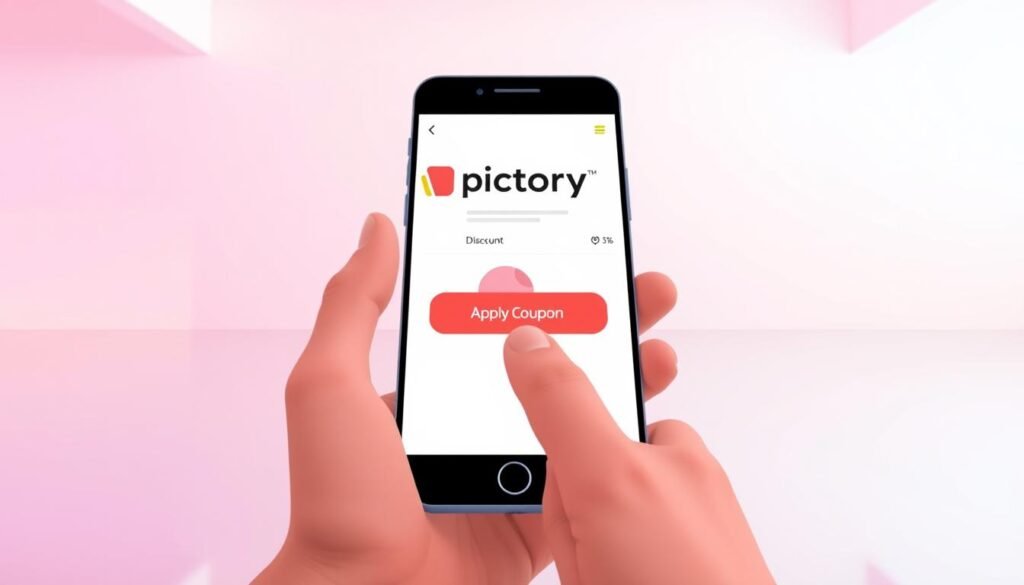
- When ready to buy, open Billing or the plan selection page and look for a Coupon/Promo Code field.
- Enter the coupon, click Apply, and confirm the discount shows in the order summary.
- If the code fails, take a screenshot and contact support or try another verified promo.
Free trial details and what to test
- Reviews cite a 14-day trial; one report says you can make three projects (up to 10 minutes each) without a card.
- Use the trial to test captions, voice options, and export quality in each target format (landscape, square, portrait).
- Try blog-to-video and export a clip from a blog post to judge library relevance and time savings.
- Example code: an affiliate code “chelsey89” is publicly reported to offer 20% off any plan for life—verify current validity on checkout before relying on it.
Three key benefits of Pictory for small businesses
For small teams, predictable video workflows cut decision time and speed delivery.
Save time with text-based editing and automatic highlights.
You edit the transcript instead of wrestling with a timeline. Remove filler words and awkward pauses in a click to tighten pacing.
Automatic highlights pull key moments from long recordings so you can create short clips fast for social media.
Scale content by repurposing blogs, scripts, and long-form videos.
Turn a single blog post or script into multiple videos and export vertical, square, and landscape variants without rebuilding projects.
Slice long-form videos into teasers and summaries that drive viewers back to the full asset.
Keep costs predictable with plan-based limits and built-in assets.
Align monthly minutes and export needs to avoid surprise overages and ad-hoc editing bills.
Built-in stock and included captions reduce external purchases and separate subtitle work, helping you stick to a budget.

“Predictable minutes, repeatable workflows, and built-in assets let you publish more content with less overhead.”
- You reclaim hours weekly by standardizing creation from scripts and blog posts.
- You improve accessibility and watch time with captions included by default.
- You keep brand consistency using brand kits on higher tiers to speed approvals.
Refunds and money-back policy: what marketers should check
Before you buy, confirm the vendor’s refund rules so billing surprises don’t slow your rollout.
Public reviews did not publish a clear money-back policy for pictory, so treat the default as “verify before purchase.” Use the trial to test core features like transcript editing, export quality, and voice output before you pay.
Check these items directly on the vendor Billing and Terms pages or ask support for written confirmation. Save screenshots and order emails for your records.
- Confirm eligibility windows and exclusions for refunds.
- Verify monthly versus annual refund rules and partial-period credits.
- Ask how add-ons (extra voice minutes or seats) are handled in refunds.
- Understand renewal cutoff times so you avoid unintended charges.
| What to confirm | Why it matters | Action |
|---|---|---|
| Refund window | Determines if you can get money back after purchase | Capture the date range and save terms |
| Trial-to-paid clauses | Affects cancellation rights after testing | Test fully during trial; document results |
| Team seat rules | Impacts unused seats and transfers | Request written policy for multi-seat accounts |
| Add-on refunds | Prevents unexpected sunk costs | Confirm refundability before purchasing extras |
“If policy details are unclear, open a support ticket and request written confirmation before paying.”
Practical tip: If you need strict guarantees, start with monthly billing while you validate the software and content workflow. That minimizes reliance on refunds and saves your team time.
Pictory vs competitors: how it stacks up against Descript and Lumen5
Pick the right video tool by matching your need for quick assembly, fine-grain audio work, or scalable social templates.
Quick frame: You get three different approaches. One focuses on fast script-to-video builds, another on precise timeline and audio control, and a third on template-driven social clips.
When to choose Pictory over Descript
Choose pictory when you want rapid assembly from scripts or blog URLs and easy scene-based editing. It pulls highlights from long-form videos quickly and exports in multiple aspect ratios for social media.
Go with it if speed, simple editing, and built-in stock at higher tiers (Getty) matter more than deep audio mixing.
When Lumen5 may be a better fit
Lumen5 excels at turning articles into templated social videos at scale. If you rely on branded templates and bulk article-to-video publishing, it can save time.
Prefer Lumen5 for heavy templating and social campaign workflows where consistent, fast outputs beat granular edits.
“Match the tool to your roadmap: rapid repurposing, audio precision, or templated social publishing.”
| Use case | Pictory | Descript | Lumen5 |
|---|---|---|---|
| Script/blog → video | Strong, fast assembly | Good, manual setup | Good with templates |
| Audio & multitrack editing | Basic editing, filler-word removal | Advanced multitrack and overdubs | Limited |
| Social templates & scale | Scene-based exports, multi-aspect | Flexible but manual | Best for templated scale |
| Stock, voices, polish | Getty & ElevenLabs on higher tiers | Strong audio tools, library varies | Template-first with stock options |
Choosing your best plan: solo creator, marketer, or team
Pick the tier that aligns with your monthly output, voice needs, and the stock library your brand requires.
Solo creators should start with Starter to validate the workflow and test a few videos against monthly minutes and 720p exports. Validate blog posts and script-to-video output in the trial so you know expected editing time.
Marketers publishing steadily benefit from Professional for 1080p, ElevenLabs voice time, and Getty + Storyblocks visuals. That library and image quality matter when ads and branded content must match channel standards.
Teams need the Team plan for collaboration, brand kits, and higher minutes so multiple contributors keep consistent content and approvals.
- Map average monthly minutes and keep a 20–30% buffer for launches.
- Prioritize voice quality if your video script needs natural narration.
- If you need edits beyond scene-based tools, pair these exports with traditional video editing tools for final polish.
- For projects over 30 minutes, consider Enterprise for custom limits and API access.
“Match minutes, quality, and library access to your role to avoid surprise upgrades.”
Conclusion
The goal is simple: confirm the tool saves you time and produces the videos your channels need.
Test first. Use the 14-day trial to make one pictory video from a blog post or script, check export quality, captions, and voice options before you buy.
Save where possible. Apply a valid coupon at checkout or choose annual billing if the vendor shows a meaningful discount. Always verify pricing, refunds, and renewal dates on the vendor site in writing.
You can pair this ai-powered video tool with a classic editor for final polish, then scale to Team or Enterprise as volume and collaboration grow.
FAQ
What does pictory.ai pricing include for marketers?
Pricing covers your plan’s monthly or annual allowance of export minutes, max video length, access to stock media libraries, text-to-speech voices, captions and subtitle exports, and collaboration tools for teams. Choose a plan based on how many minutes you need and whether you want premium assets or API access.
Is Pictory right for your video marketing workflow?
If you need fast, script-to-video or blog-to-video workflows, automated captions, and multiformat exports for social platforms, this tool can speed production. Evaluate the plan limits against your monthly output and confirm the available voices and stock to match your brand.
How does the AI-powered script-to-video feature help you create videos fast?
The AI analyzes your script or blog post, suggests scene breaks, matches stock clips and images, and auto-generates captions. You cut editing time by letting the system assemble rough drafts that you then refine, rather than building every scene from scratch.
What stock library and export options are included?
Plans include access to a curated stock library, caption generation, and multiformat exports optimized for platforms like Instagram, LinkedIn, and YouTube. Higher tiers add premium stock sources and more export minutes.
What are the monthly plan tiers and who do they fit?
Monthly tiers typically include Starter for occasional creators, Professional for frequent marketers, and Team for collaborative workflows. Starter limits minutes and features; Professional raises limits and adds voices; Team unlocks collaboration and project controls.
How much can you save with annual billing and when should you upgrade?
Annual billing usually gives a significant discount compared to monthly. Upgrade when you consistently hit your minute or asset limits, need advanced voices or stock, or require team collaboration and admin controls.
What should enterprises consider about plans and API access?
Enterprises should confirm seat management, single sign-on, dedicated support, higher minute allotments, and API access for integrations. Ask about custom contracts and volume pricing for large teams.
What core limits should you compare between plans?
Focus on total monthly video minutes, maximum length per export, export resolution (HD/4K), number of voices, and collaboration seats. Those factors determine whether a plan fits your production scale.
How do voiceover and library options differ across plans?
Lower tiers use standard voice engines and basic stock. Higher tiers may include advanced voices like ElevenLabs-style neural speech and premium stock partners such as Getty or Storyblocks for broader asset choices.
How do you apply a promo code or discount at checkout?
Enter the promo code in the designated field during checkout, confirm the discount is applied to the total, and complete payment. If the code fails, verify expiration, plan eligibility, and any usage limits.
What does the free trial let you test before paying?
The free trial typically lets you create and export a limited number of videos, try the AI workflows, test captions and voices, and explore the stock library. Use the trial to verify quality and plan fit before committing.
How does this tool benefit small businesses?
It cuts editing time with text-based editing and automatic highlights, helps scale content by repurposing blogs and long-form videos, and keeps costs predictable through plan limits and built-in assets.
What refund or money-back policies should marketers check?
Review the provider’s refund window, conditions for cancellations, and whether unused minutes are refundable. Confirm policy details before purchase, especially for annual commitments.
When should you choose this tool over Descript?
Choose this tool if your priority is rapid script-to-video and blog-to-video automation, built-in stock footage, and easy social formats. Descript excels at deep audio editing and screen recording, so pick based on your dominant workflow.
When might Lumen5 be a better fit?
Lumen5 can suit marketers focused specifically on turning blog posts into short social videos with simple templates and automated scene creation. Compare minute limits, stock quality, and output customization to decide.
How do you pick the best plan for a solo creator, marketer, or team?
Match the plan to your monthly export minutes, need for premium voices or stock, collaboration features, and budget. Solo creators often start with a lower tier; marketing teams need higher minutes and team controls; agencies or large teams should evaluate enterprise options.